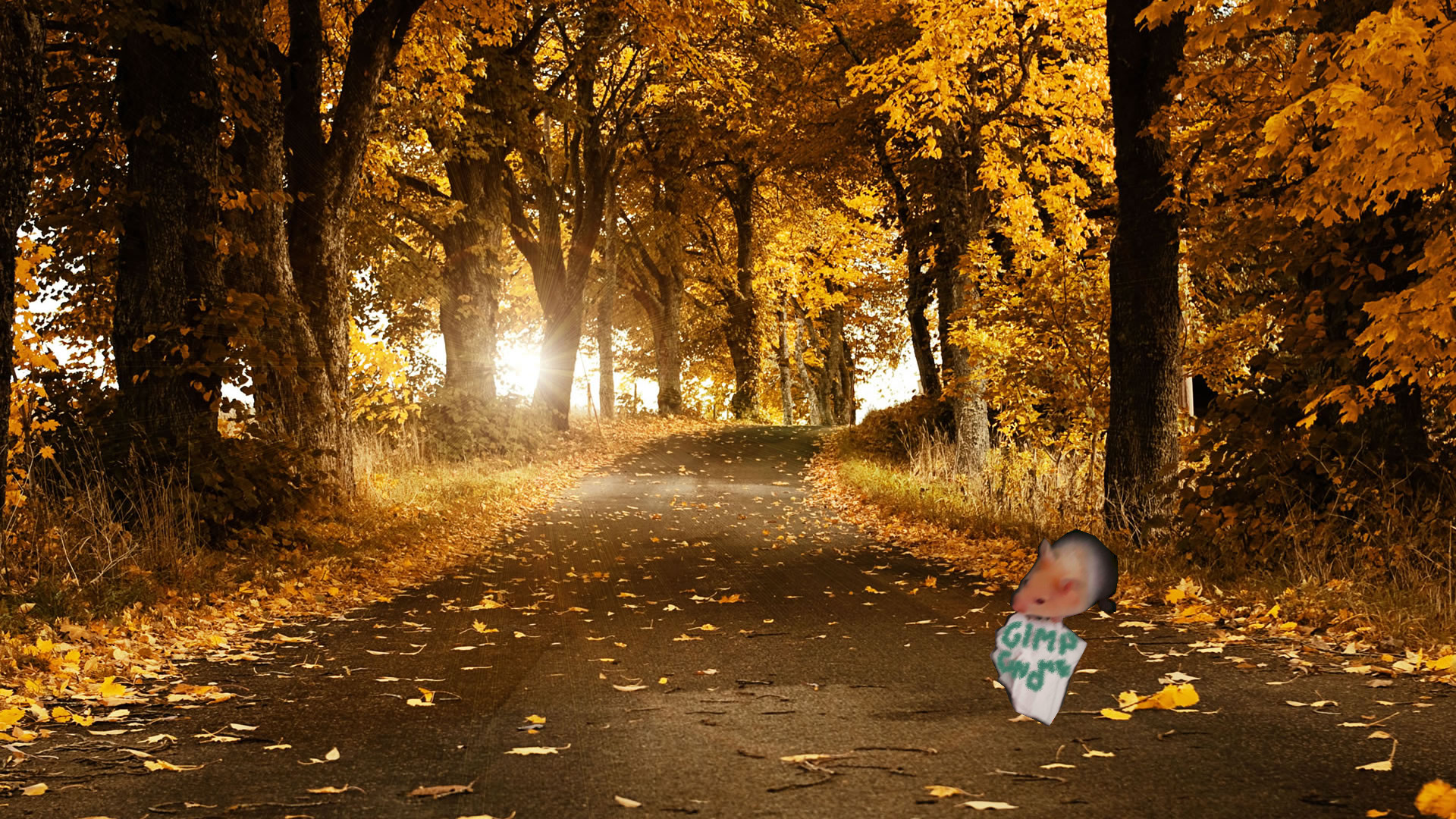
This is a basic guide for newcomers on how to use GIMP.
GIMP
GIMP (GNU Image Manipulation Program) is a software to edit digital images with form bitmaps.
GIMP by default is installed in linux systems, but you can install:
sudo apt-get install gimp
Shortcuts
GIMP provide a list of shortcuts to manages the GUI making editing images easy and simple:
- Help Menu
F1HelpShift+F1Context Help
- Files
Ctrl+NNew imageCtrl+OOpen imageCtrl+Alt+OOpen image as new layerCtrl+DDuplicate imageCtrl+XOpen recent image XCtrl+SSave imageShift+Ctrl+SSave under a new nameCtrl+QQuit
- Toolbox
RRect SelectEEllipse SelectFFree SelectUFuzzy SelectShift+OSelect By ColorIScissors IBPathsOColor PickerMMoveShift+CCrop and ResizeShift+RRotateShift+TScaleShift+SShearShift+PPerspectiveShift+FFlipTTextShift+BBucket FillLBlendNPencilPPaintbrushShift+EEraserAAirbrushKInkCCloneVConvolveSSmudgeShift+DDodge/BurnXSwap ColorsDDefault Colors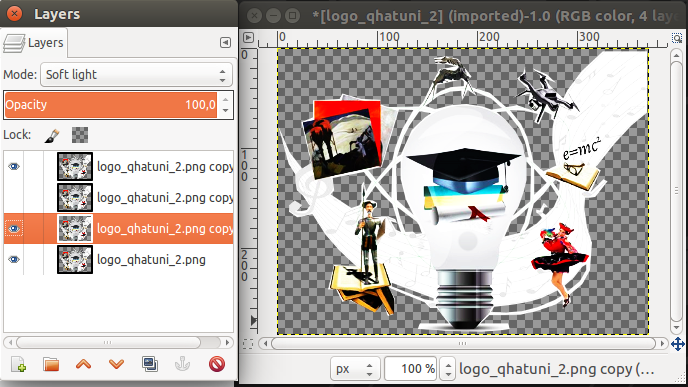
Using GIMP
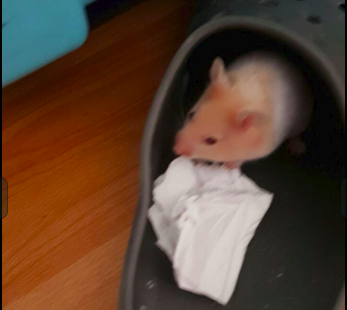
This is my original image, my hamster Rapidash:
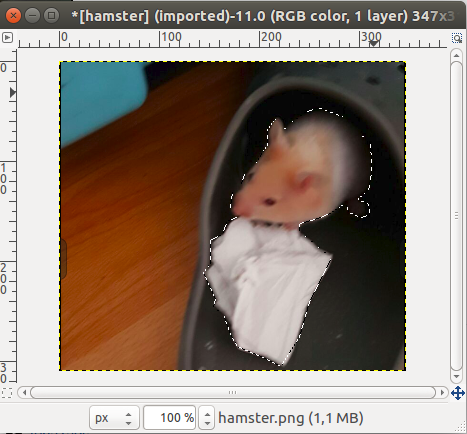
Then, pressing f, we can set points to cut image:
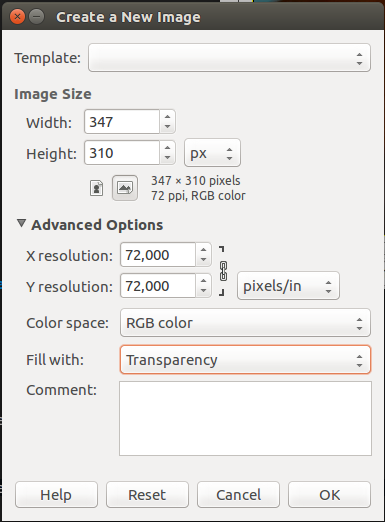
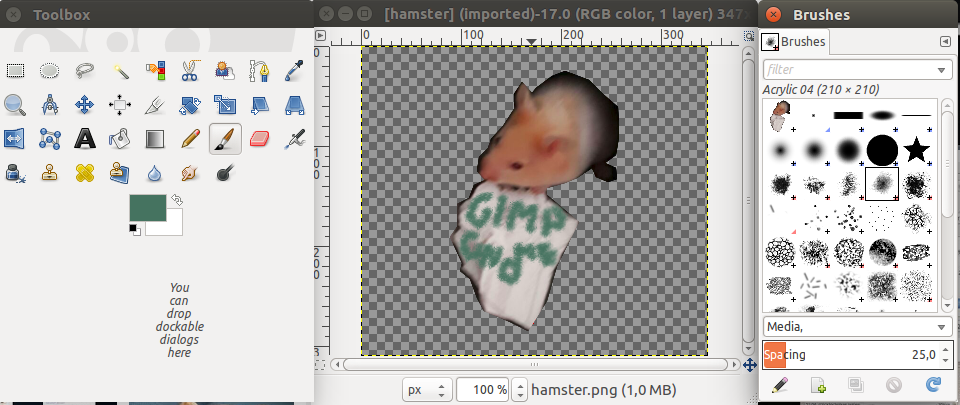
Next, create a new window, we choose transparency:
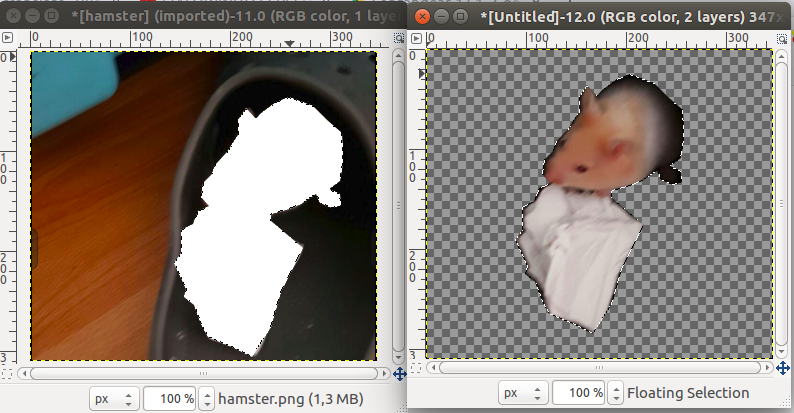
Then, cut and paste in the new window:
With Ctrl+B we can show the right menu and Ctrl+Shift+B left menu
Finally, we add backgraound image like: