
Here you’ll learn about Polari IRC Client to create and send messages in your own chat.
GNOME Polari
For this guide, I use my Fedora Workstation 25 Virtual Machine installed on my localhost using virt-manager, you can see how download and install pressing here.
This application is a minimal IRC client. It is designed to distill the IRC experience down to a super-simple interface. It also uses the GNOME telepathy backend, and allows you to reply to chat messages straight from the notifications.
Then, install:sudo dnf install polari
Polari is an exclusive IRC Client that is the big difference with empathy.
Testing
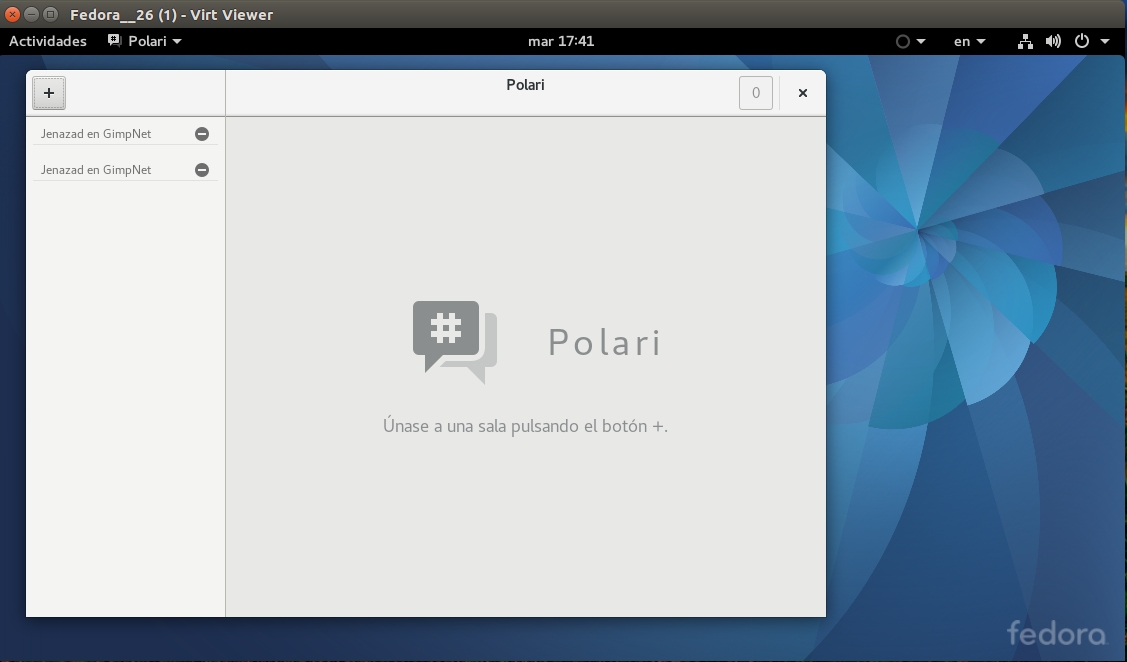
Once installed, you’ll have this window:
You can see your chats (previously we use Empathy, so appears a list of created chats).
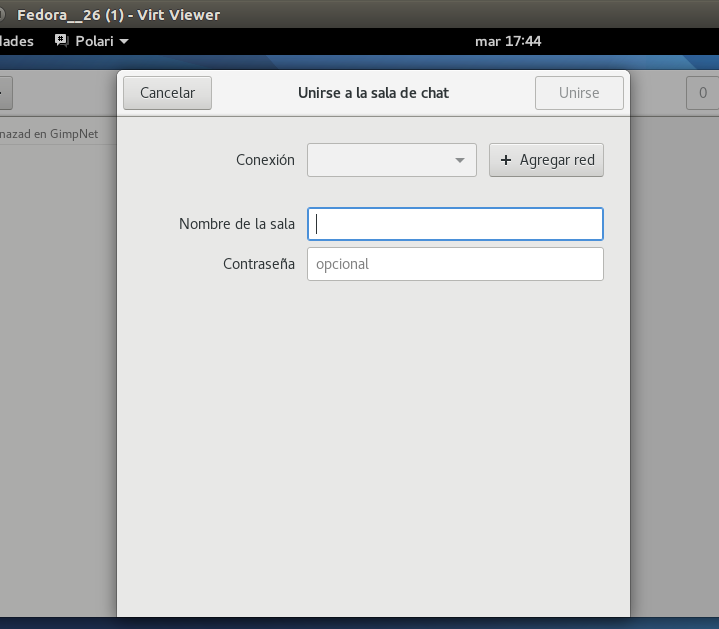
If you press plus button, you can add net and choose your chat room.
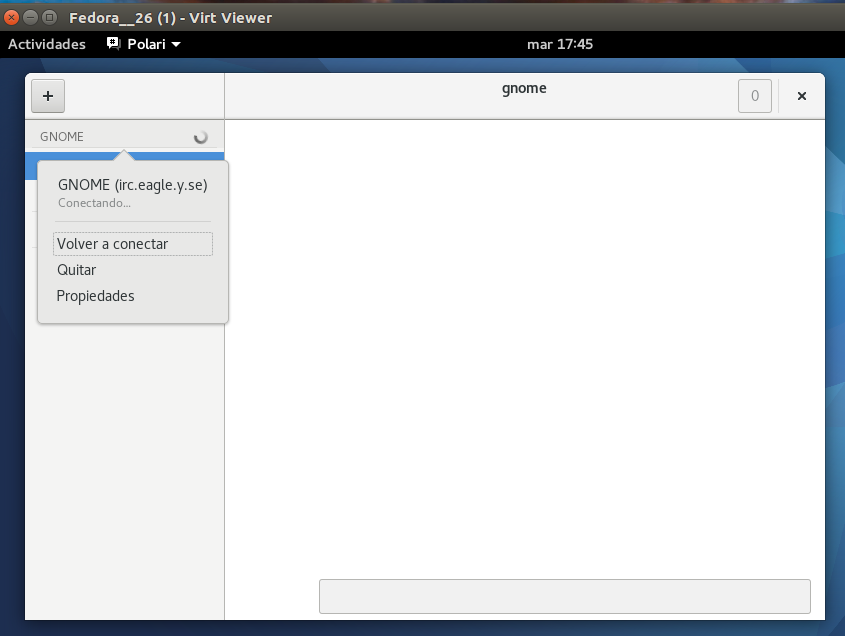
You can see your chats (previously we use Empathy, so appears a list of created chats). Then, you can choose your chat and connect.
Functionalities
- IRC Client chat
- Search for Id user and autocomplete to talk
- Send Images and text messages.