
Here you’ll learn how to download and connect through different clients to send messages.
Empathy
For this guide, I use my Fedora Workstation 25 Virtual Machine installed on my localhost using virt-manager, you can see how download and install pressing here.
Empathy Is an Instant Messaging (IM) and voice over IP (VoIP) client which supports text, voice, video, file transfers, and inter-application communication over various IM protocols.
sudo dnf install empathyOnce installed, run on shell:
empathy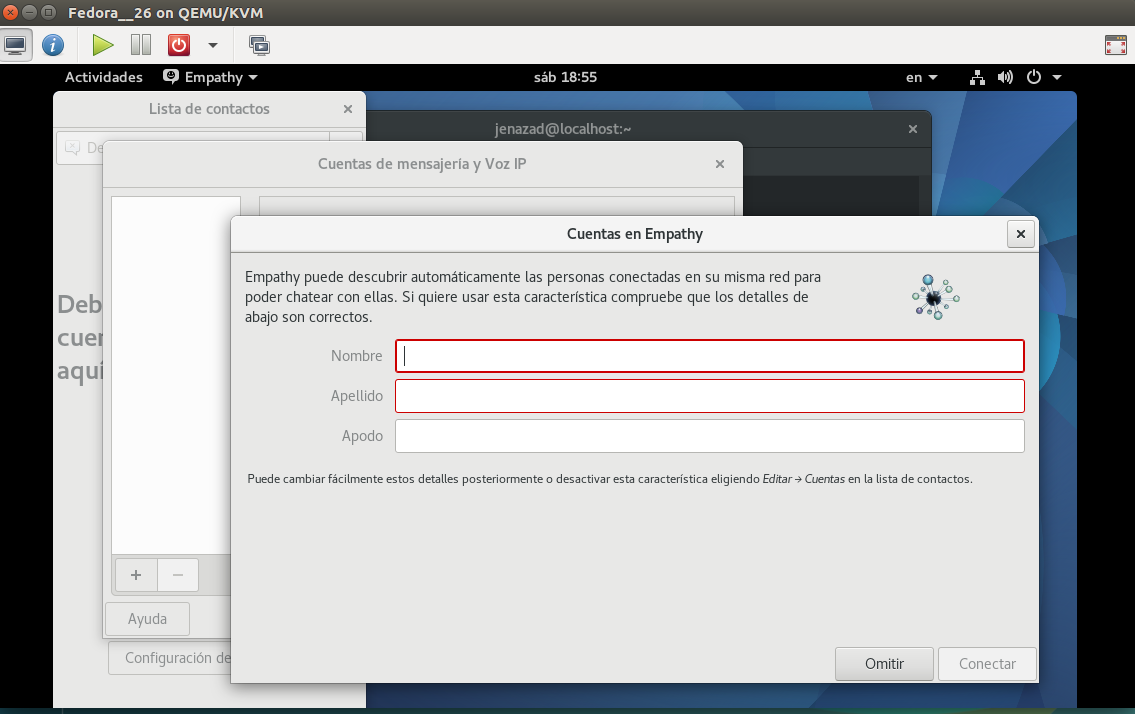
Here, enter your details and then choose your username:
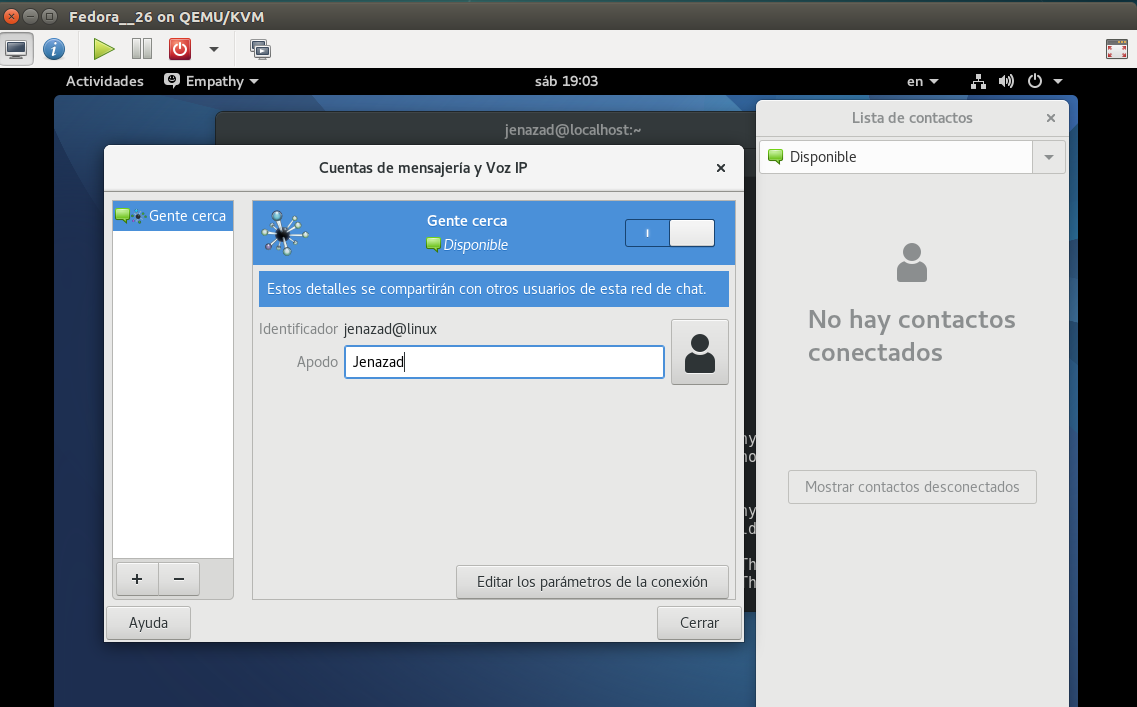
Then, look for a chatroom, press on the top menu
empathy: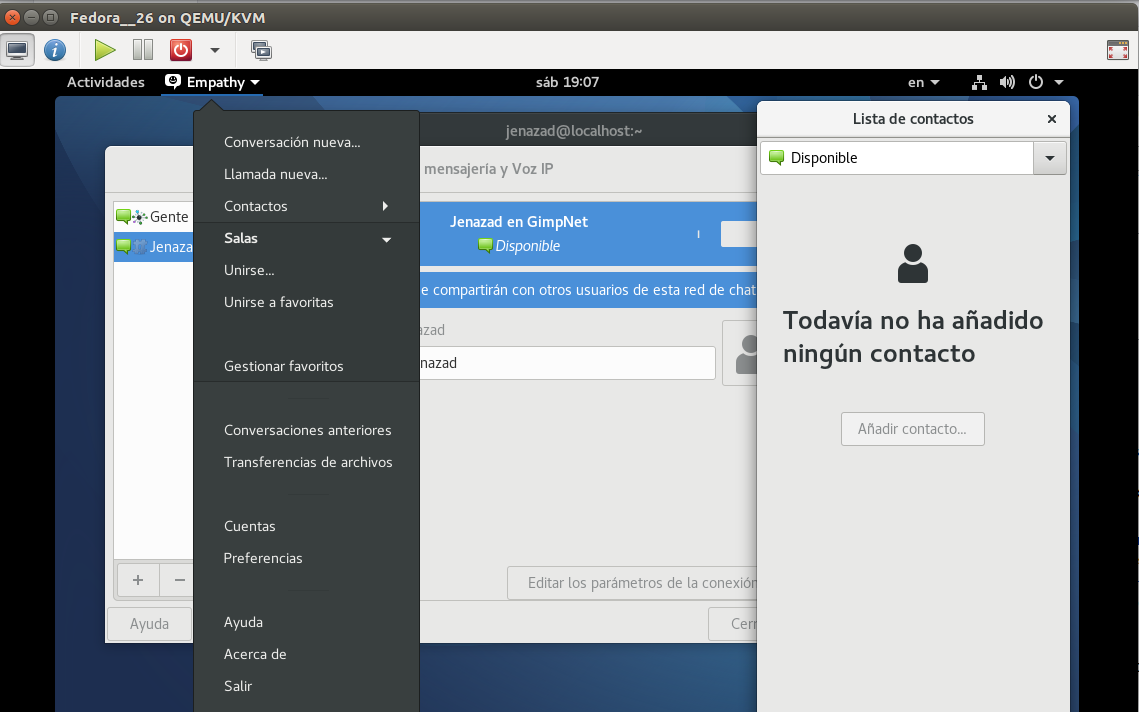
Choose
salas->unirse a una sala: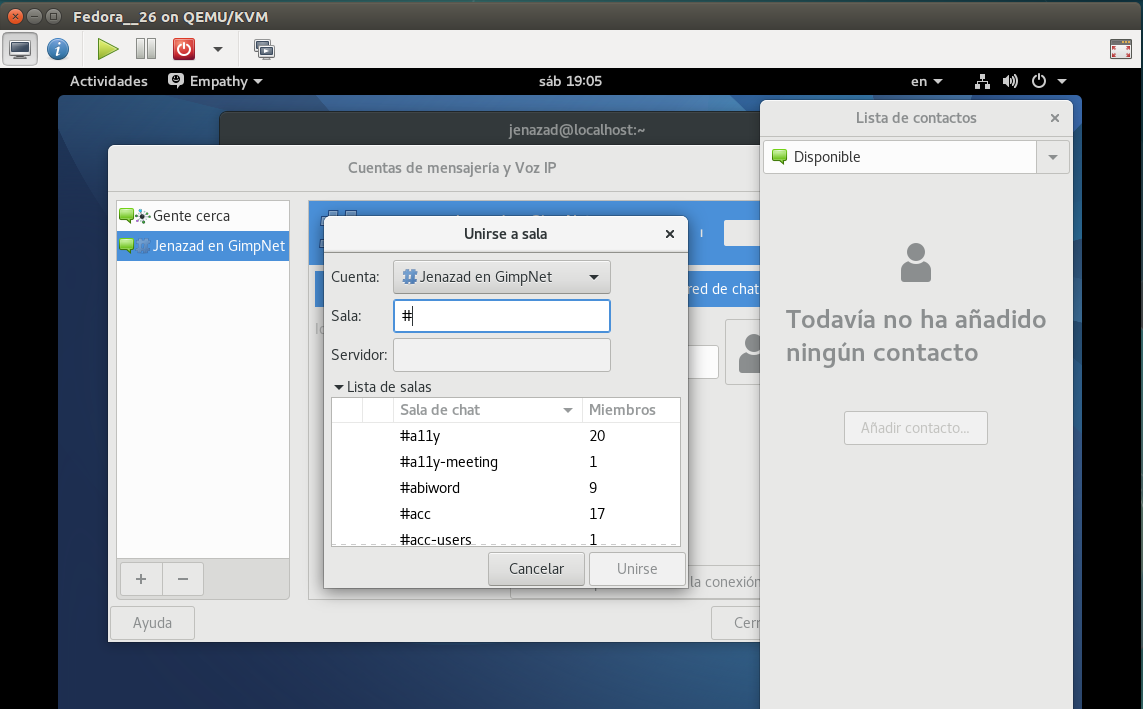
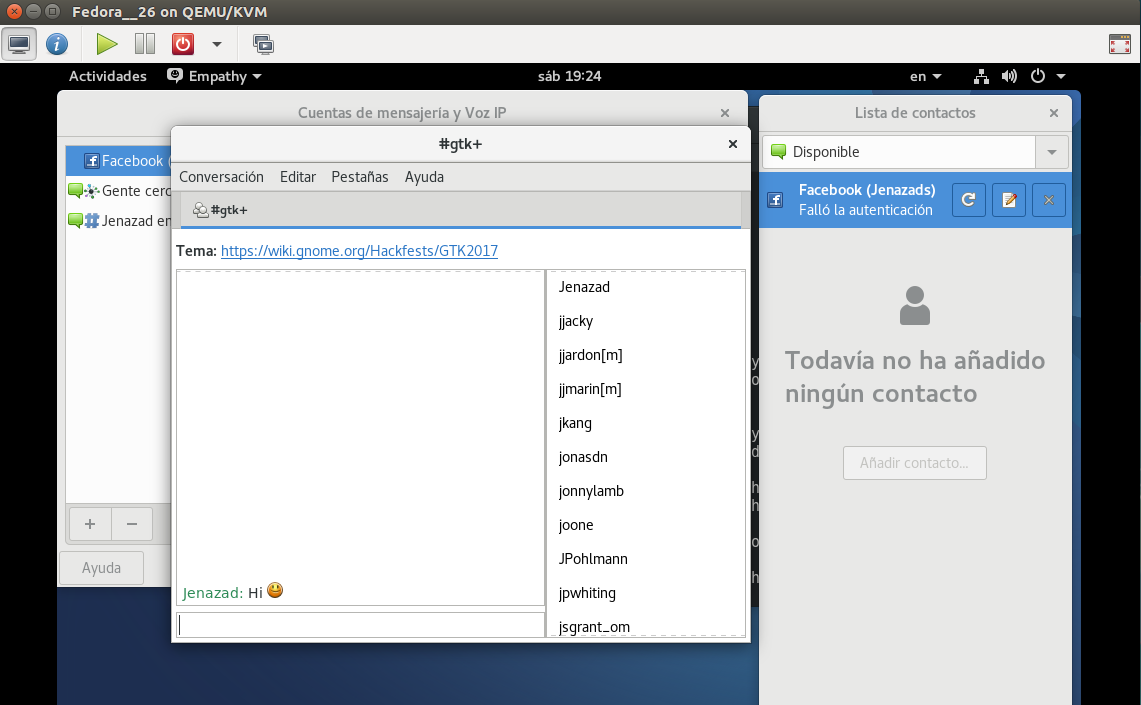
Finally, start to talk with other people:
NOTE
Do not use facebook connection, because Empathy uses a deprecated API, this is the reason that empathy doesn’t connect to facebook.
Applications
- You could use this chat to communicate with any person without authents in some social network.
- Or make a LAN chat.