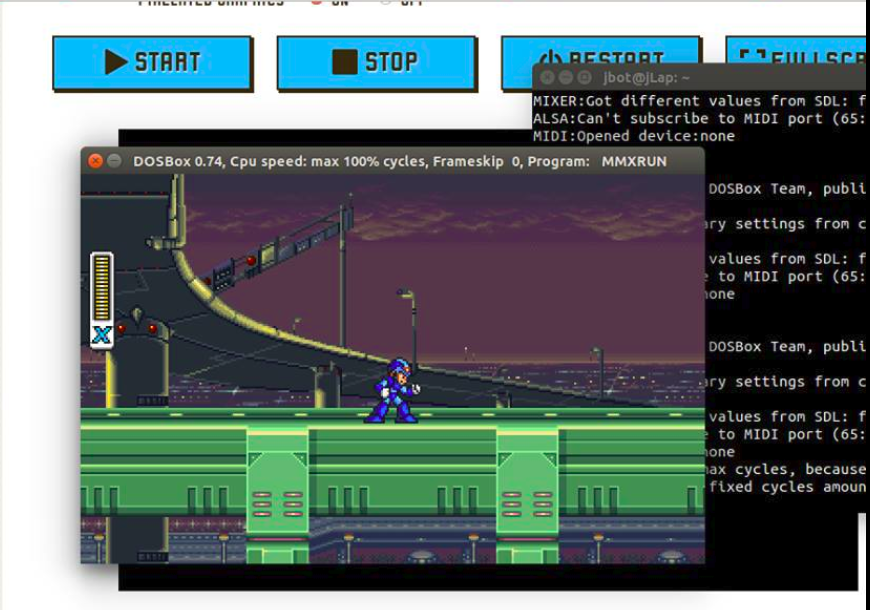
Here you’ll learn to download and setup DOS console.
DOSBOX
Dosbox is a shell-terminal that allows execute programs designed to run in DOS.
Installing
Note: DOSBox only recognized files, directories inside the path /home/$USER/ whose names only have 8 letters.
sudo apt-get install dosbox
dosbox
Executing games on DOSBOX
Run
dosboxfor first time,.dosbox/dosbox-0.74.confwill be created.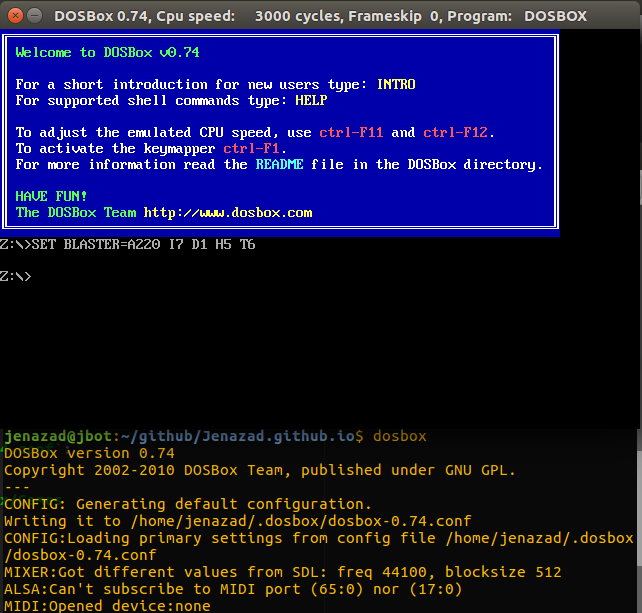
In
/home/$USER/.dosboxcreates the directoryGames, here we put the directories with the programs executable for DOS.
Then, modify the file.dosbox/dosbox-0.74.conf:[autoexec] # mounts C disk the path of ~/.dosbox/Games mount c ~/.dosbox/Games # mounts D disk like CDROM # mount d /media/cdrom -t cdrom # mounts image on the D disk # imgmount D /home/$USER/imagenes/game.iso -t iso # ES keyboard keyboardlayout=sp
Example
In /home/$USER/.dosbox/Games, copies the game directory and rename to a short name (<=8 letters).
- We use Megaman, just download the Iso game or press here.
- Uncompress on the directory
.dosbox/Gamesand rename the game directory (frommega-man-xtoMMX). - Launch dosbox, if we configure the
dosbox-0.74.conffile, just writeC:and dosbox show the content of.dosbox/Gamescontent.
Here is the elements in MMX directory:
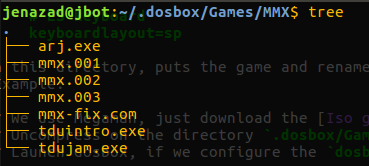
Then, do this:
Z:\>
Z:\>C:
C:\>cd MMX
C:\MMX>
Here, we run tdujam.exe on DOSBOX, so write:
C:\MMX>tdujam
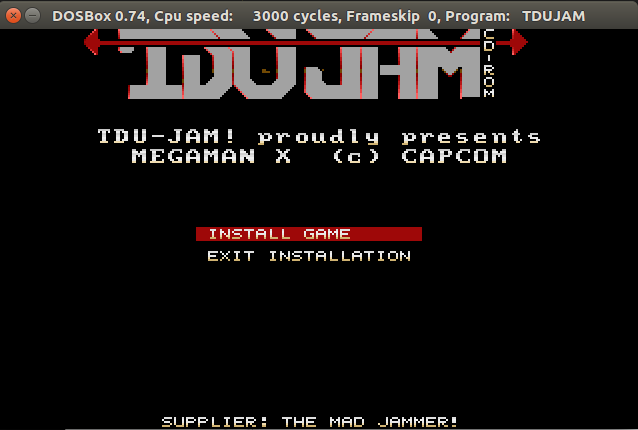
Select Install Game, on the option “ Install to what drive” write “C”:
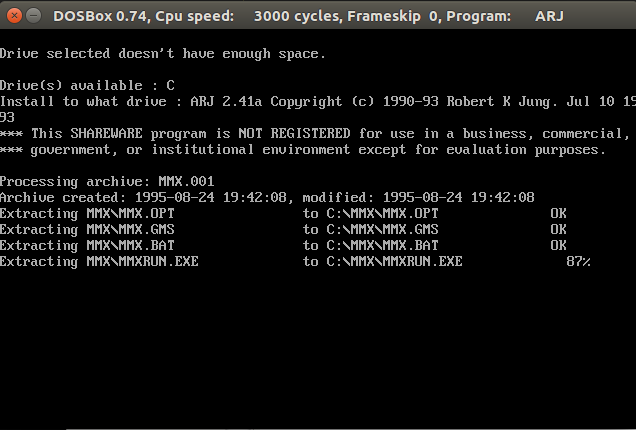
Once installed, we run the game:
C:\MMX>MMXRUN
Here I show you an example with Megaman X (one of my favourite games)