Here you’ll learn to setup node-red on IBM cloud platform and integrate with Watson API.
Node Red
Node-RED is a programming tool to connect hardware devices, APIs and online services in a simple mode.
It’s provide through a browser server.
You can install write in bash:
sudo apt-get install -g node-red
And start a project writing:
sudo node-red dendrobytes.json
Components
Packages that can help you to develop faster and easier.
Dashboard
Allow you to create a dashboard (with charts, tabs, menus, etc).
sudo npm install -g node-red-dashboard
Sample
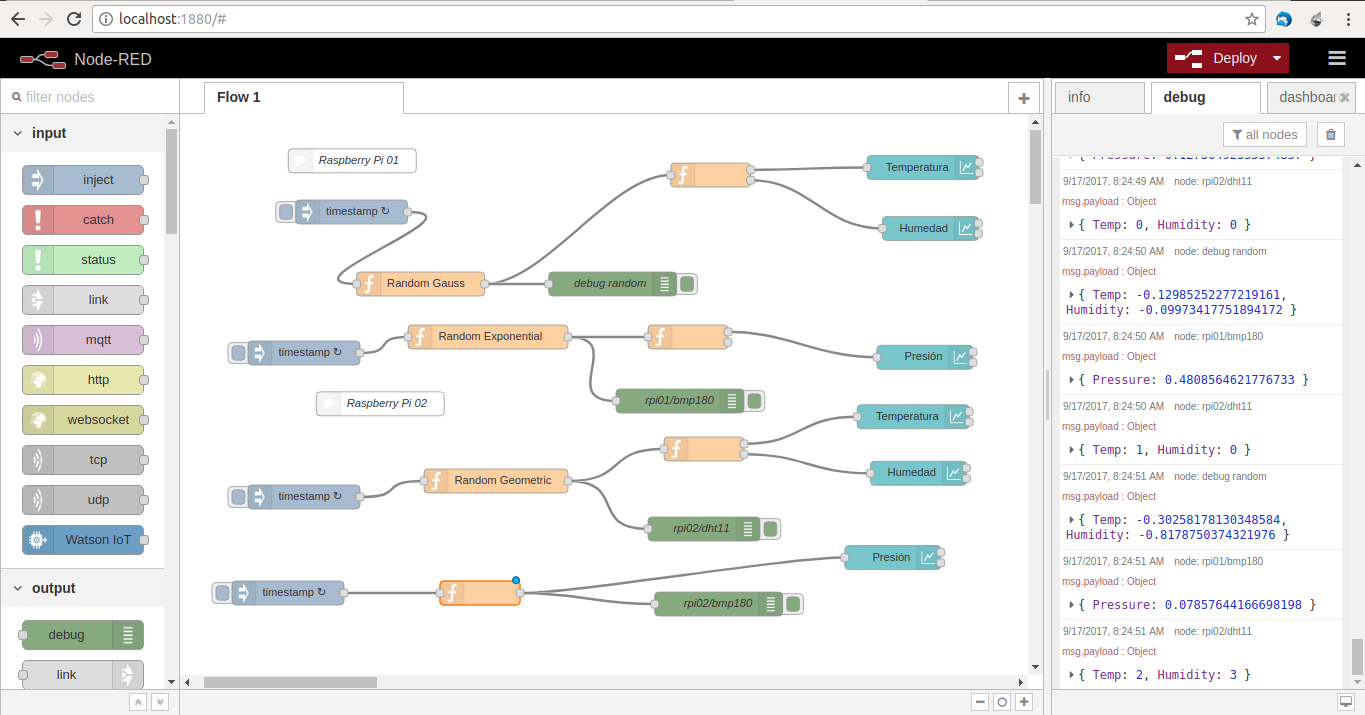
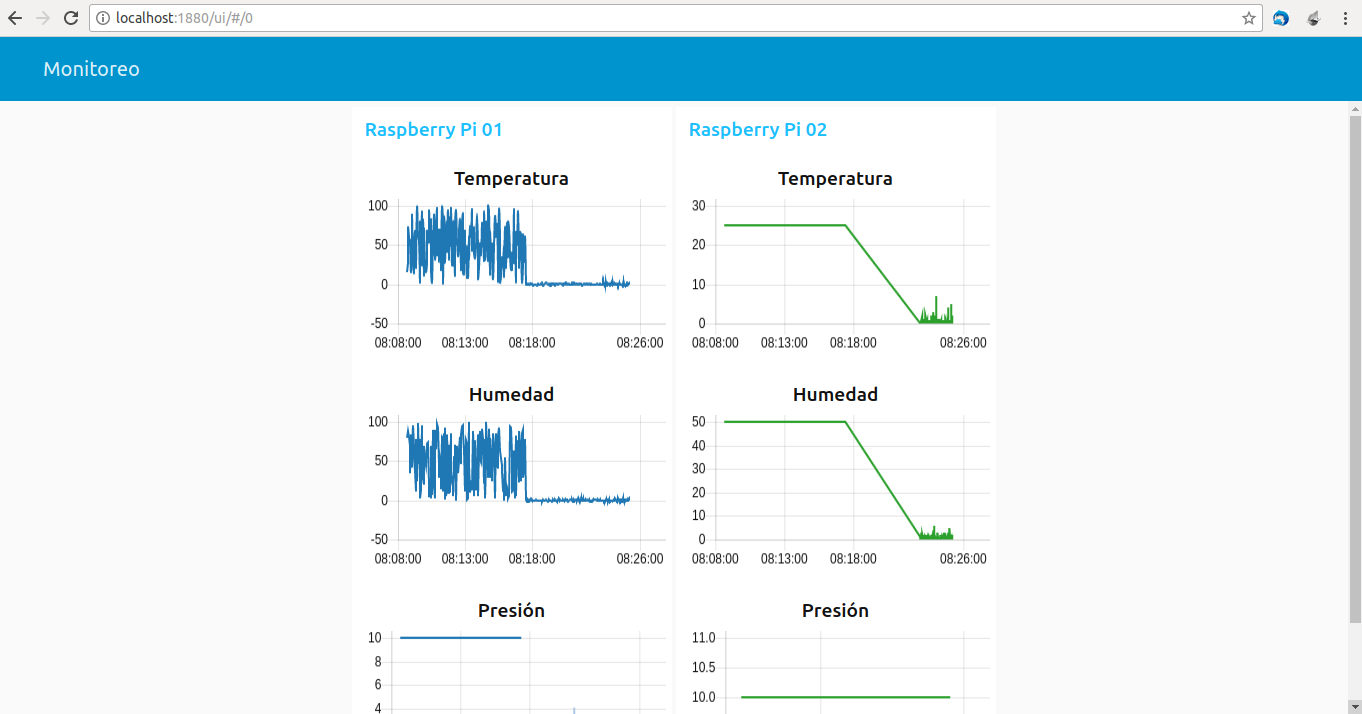
Create a simple dashboard with different data and charts.
Here shows node-red example:
And here, the respective dashboard:
https
Allow you to create HTTPS services.
sudo npm -g install node-red-contrib-https
To set up https
include ca, key and crt files using fs on file settings.js and create a tls-ssl/ folder and put the files there.
Implementing with IBM-Bluemix IoT platform
Firts, you must register on bluemix-console.
Once created your account, you should create an organization, I prefer fmorenovr in US South.
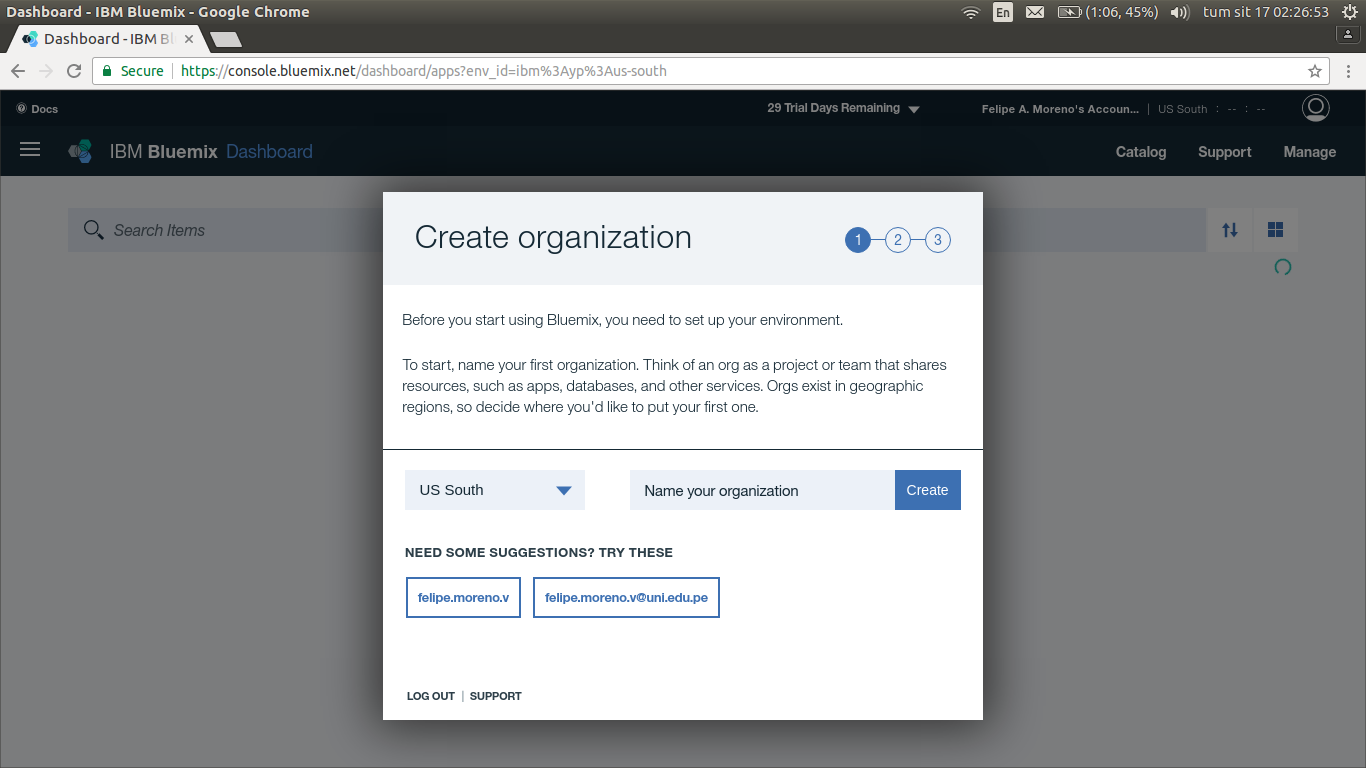
Then, choose an apropiate name-space:
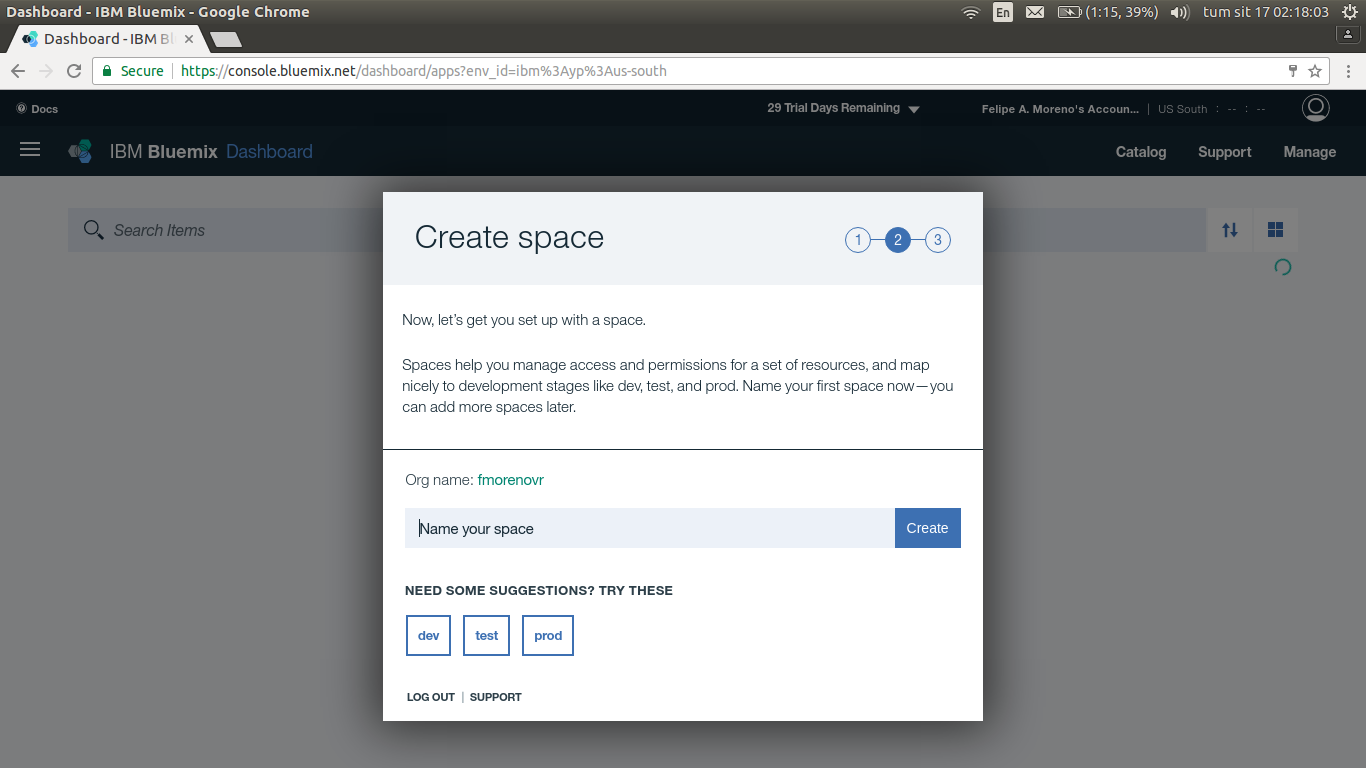
And confirm.
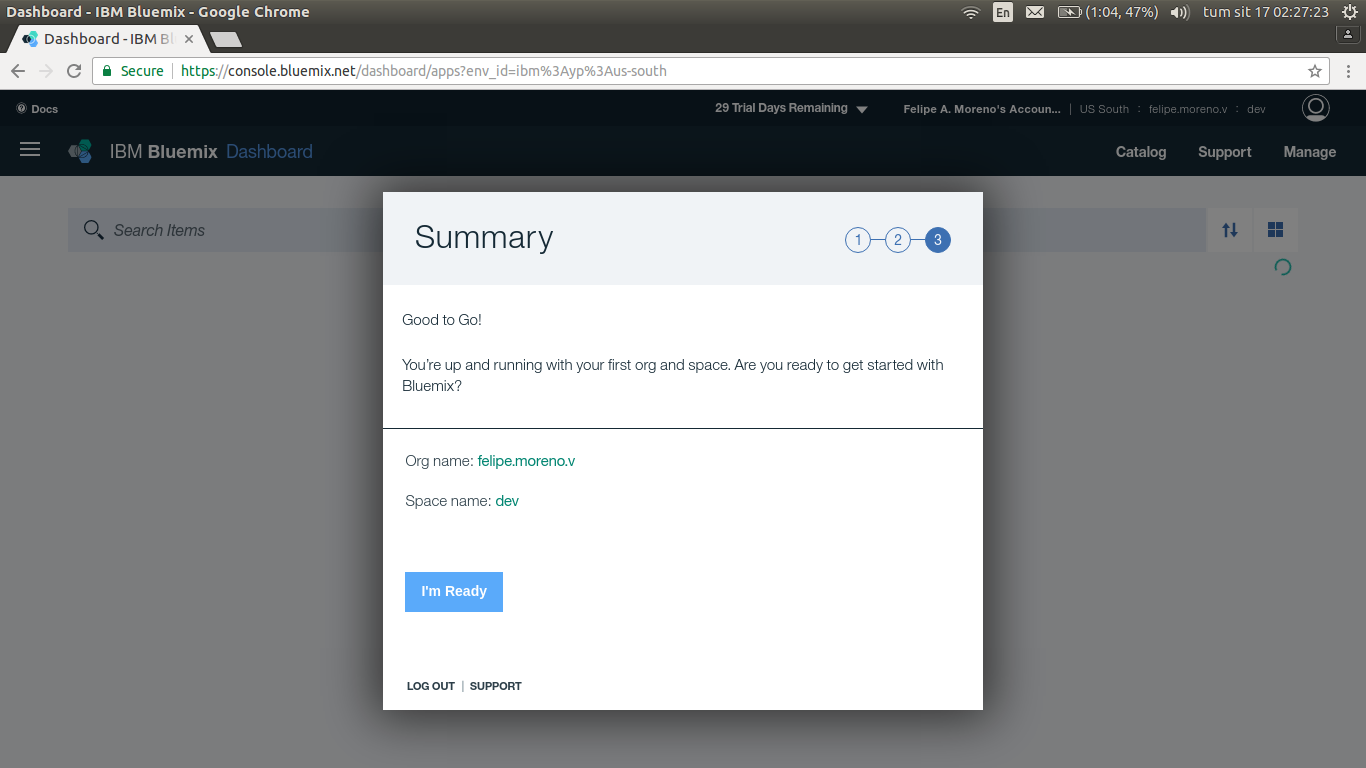
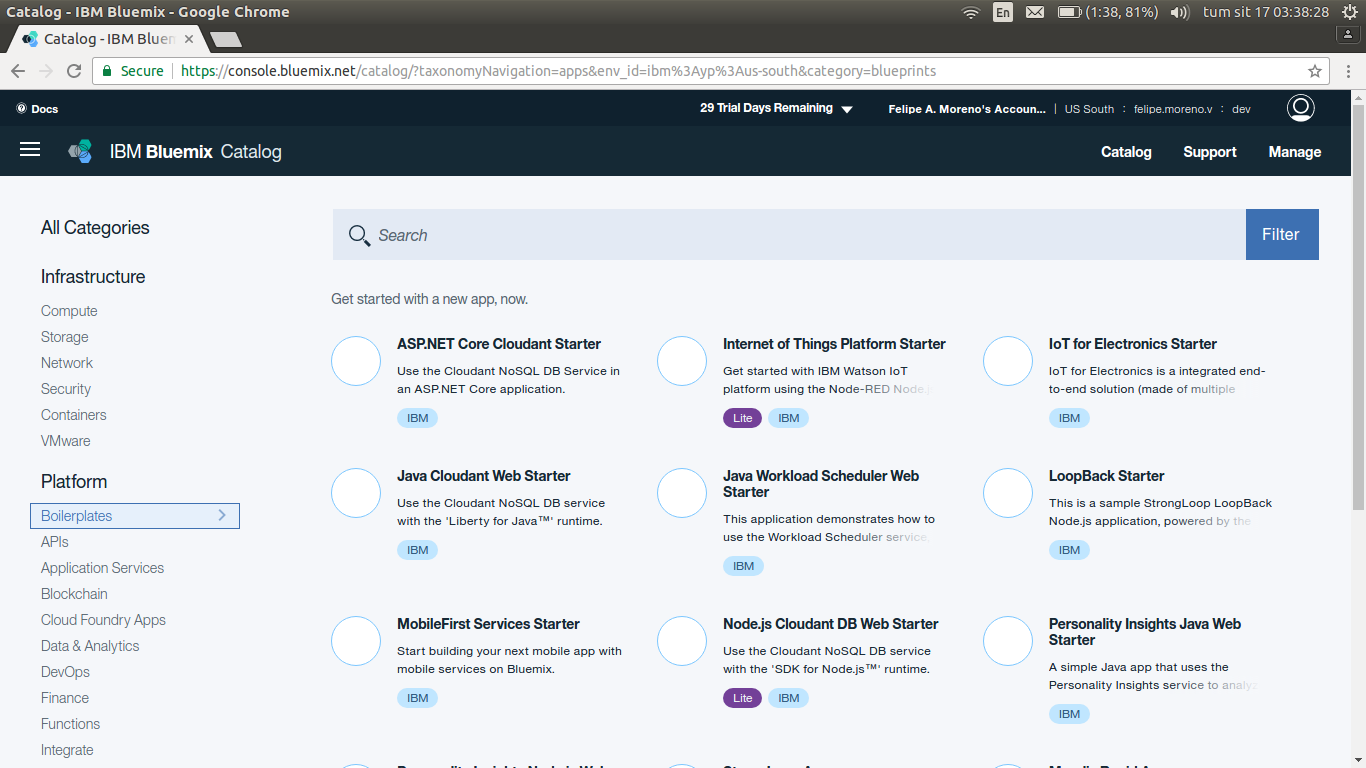
Then, go to catalog and choose in Boilerplates tab.
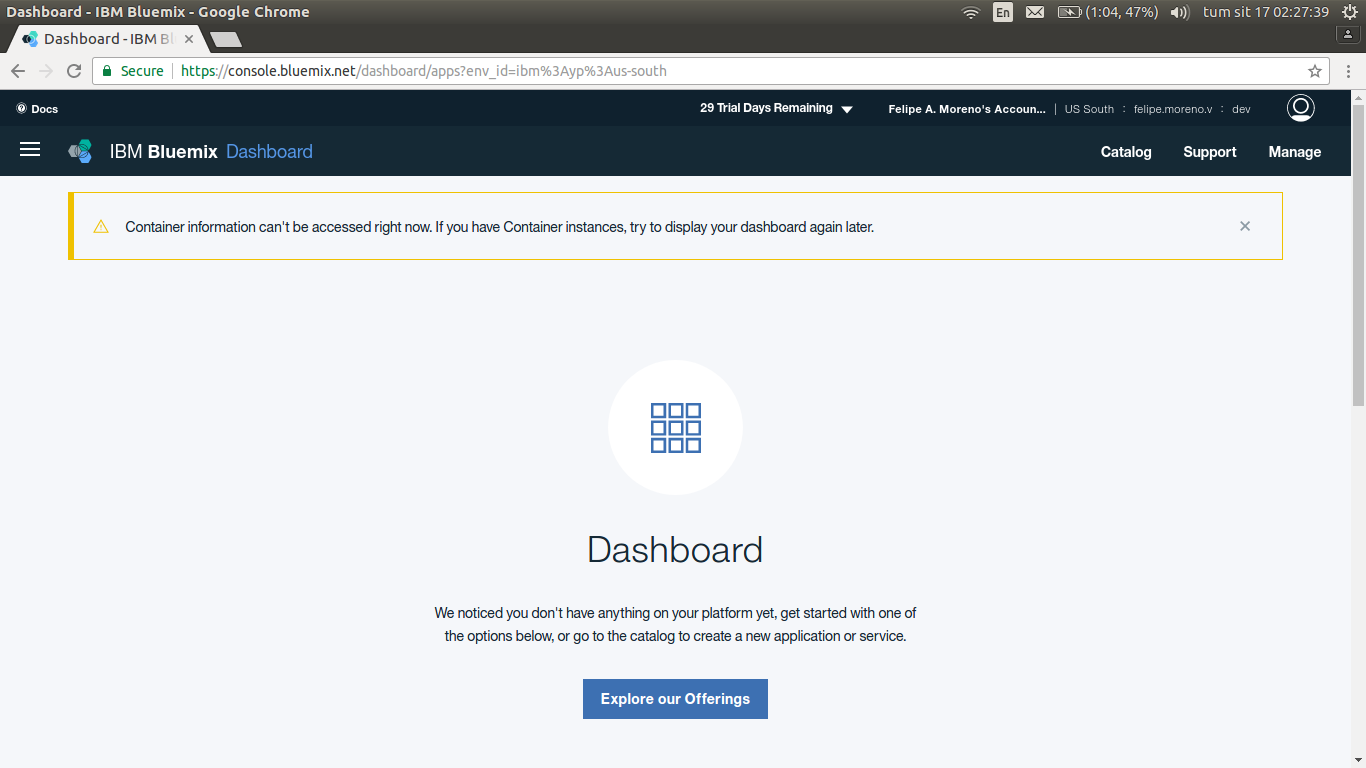
Next, choose “Internet of Things Platform Starter”. You’ll see this view.
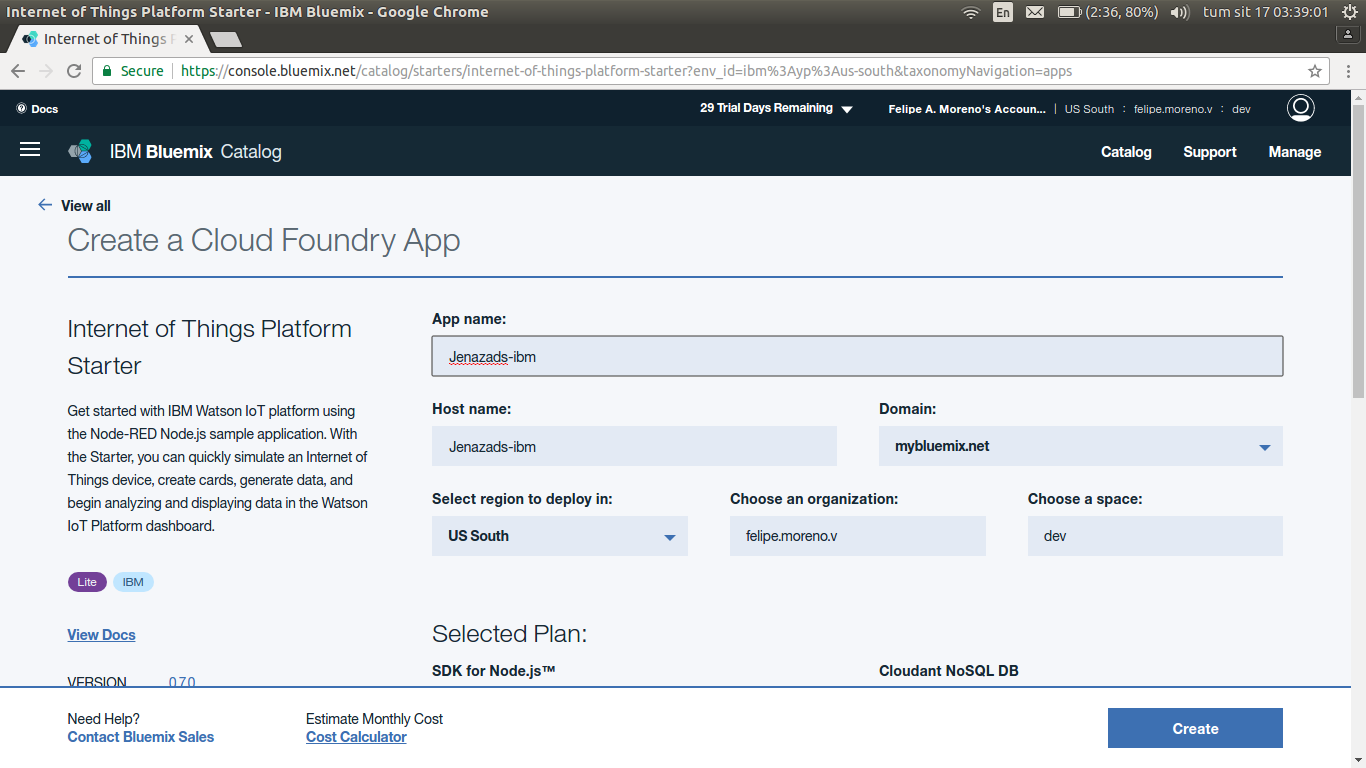
Then, create a Cloud Foundry App:
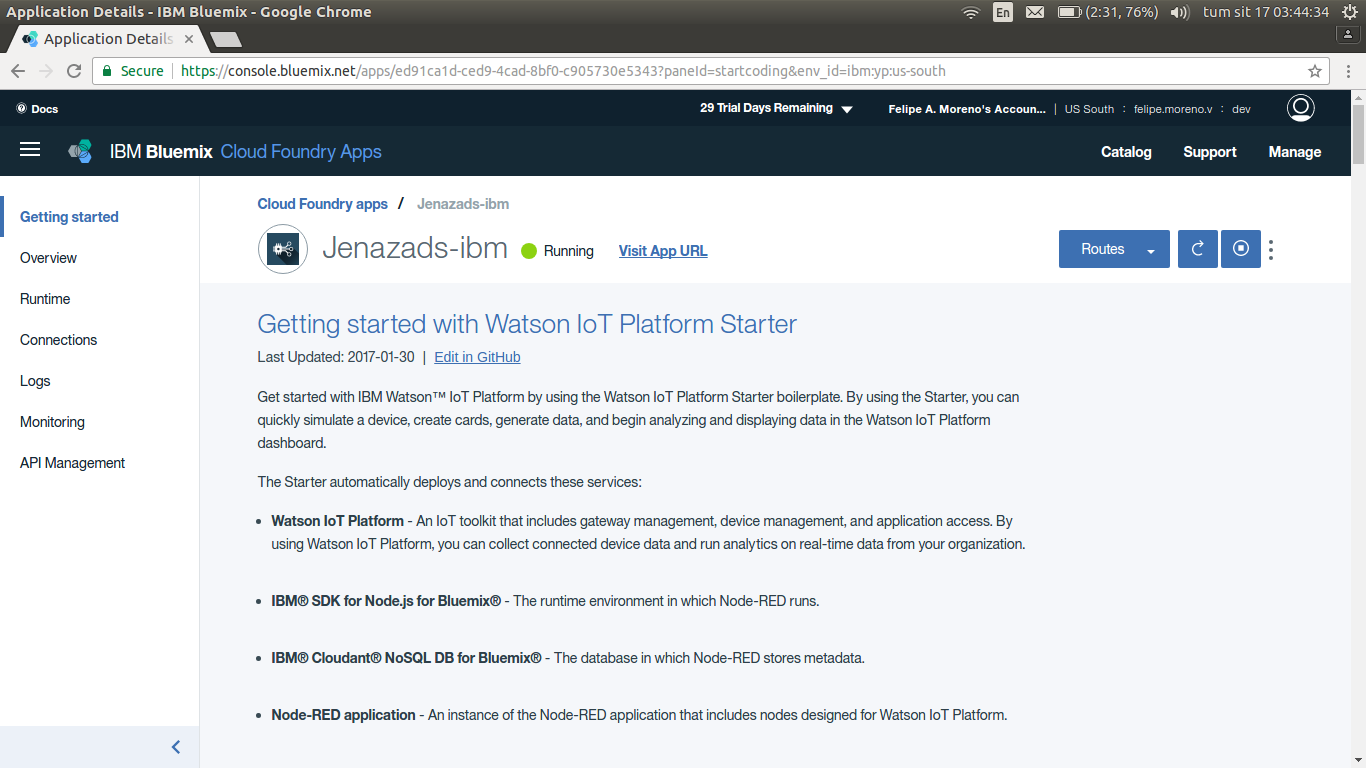
Wait for connect and run …
You can verify your information in “dashboard” tab.
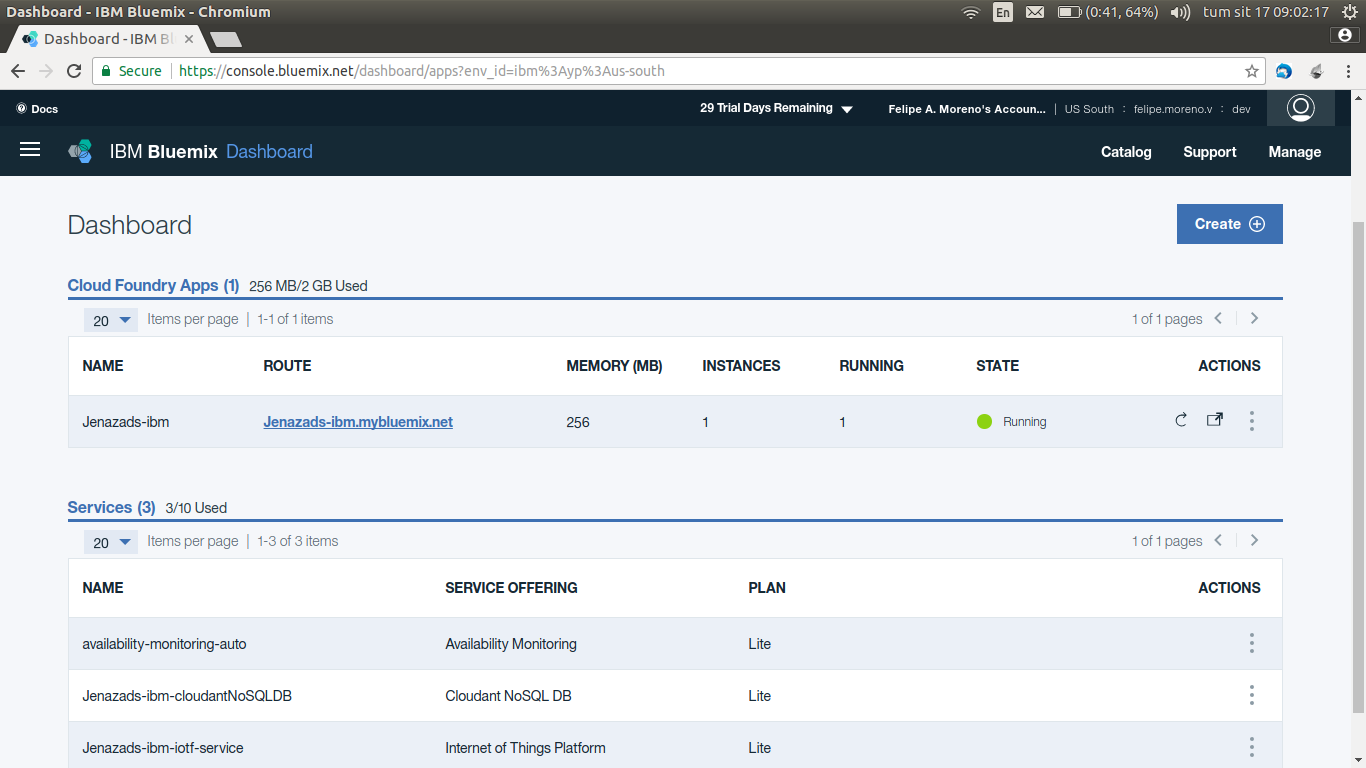
Press on “Internet of Thing Platform”, this shows info of Iot Instance:
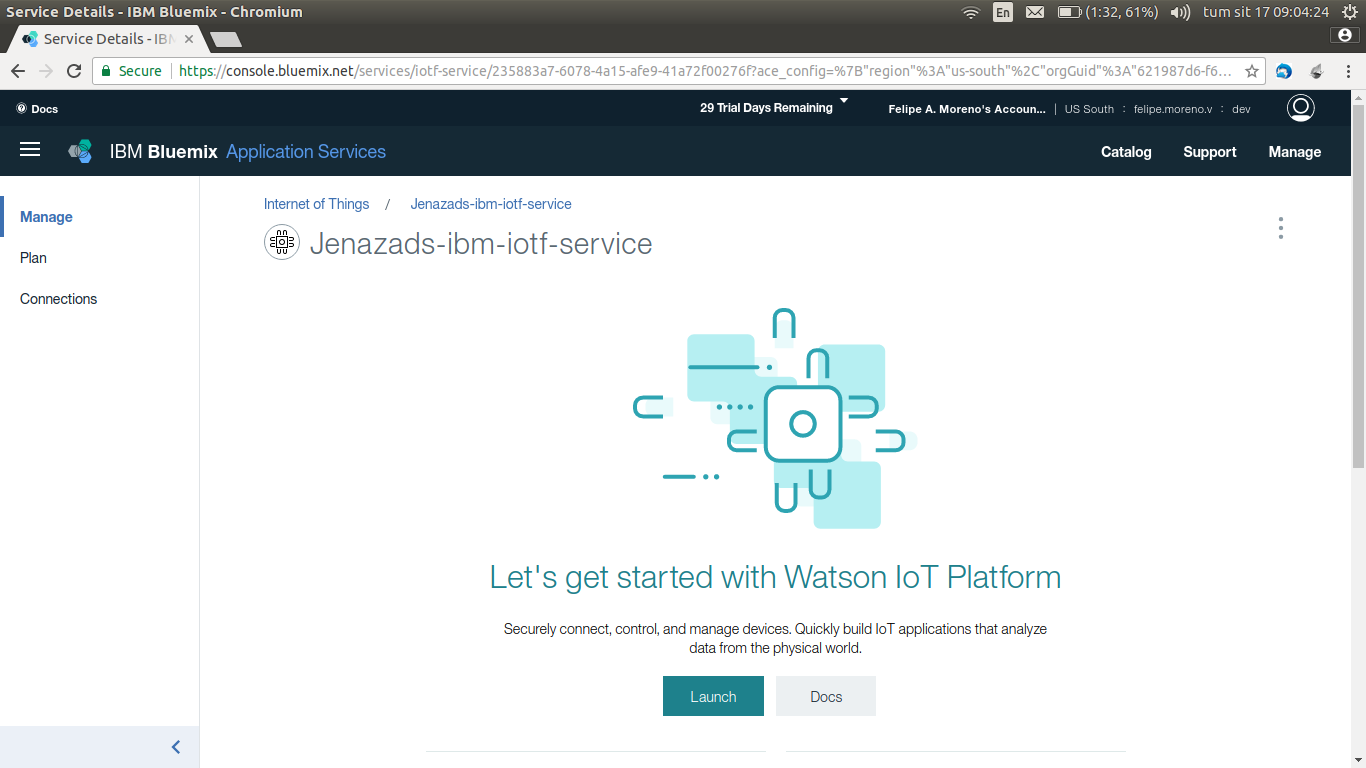
Click on launch and redirects to Watson IoT Platform:
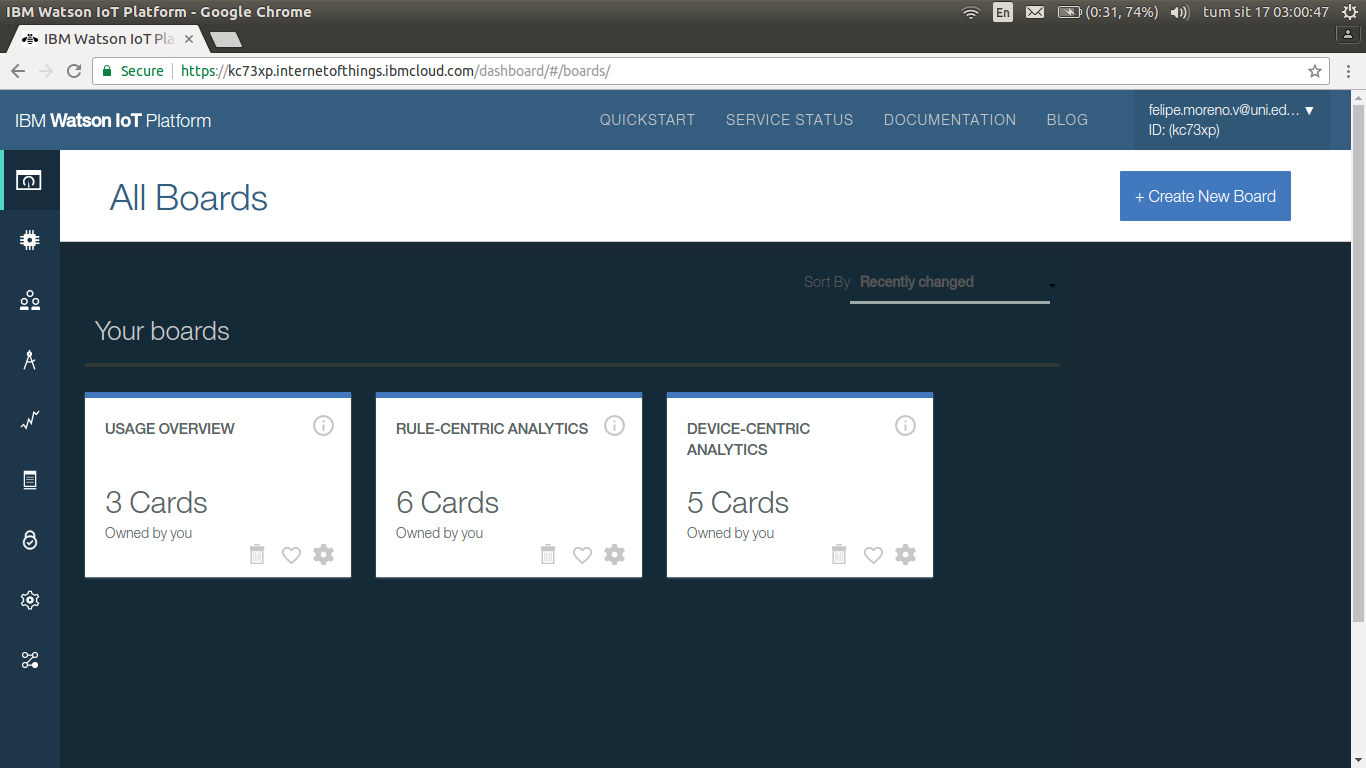
Once here, we must create a device type, go to Device tab:
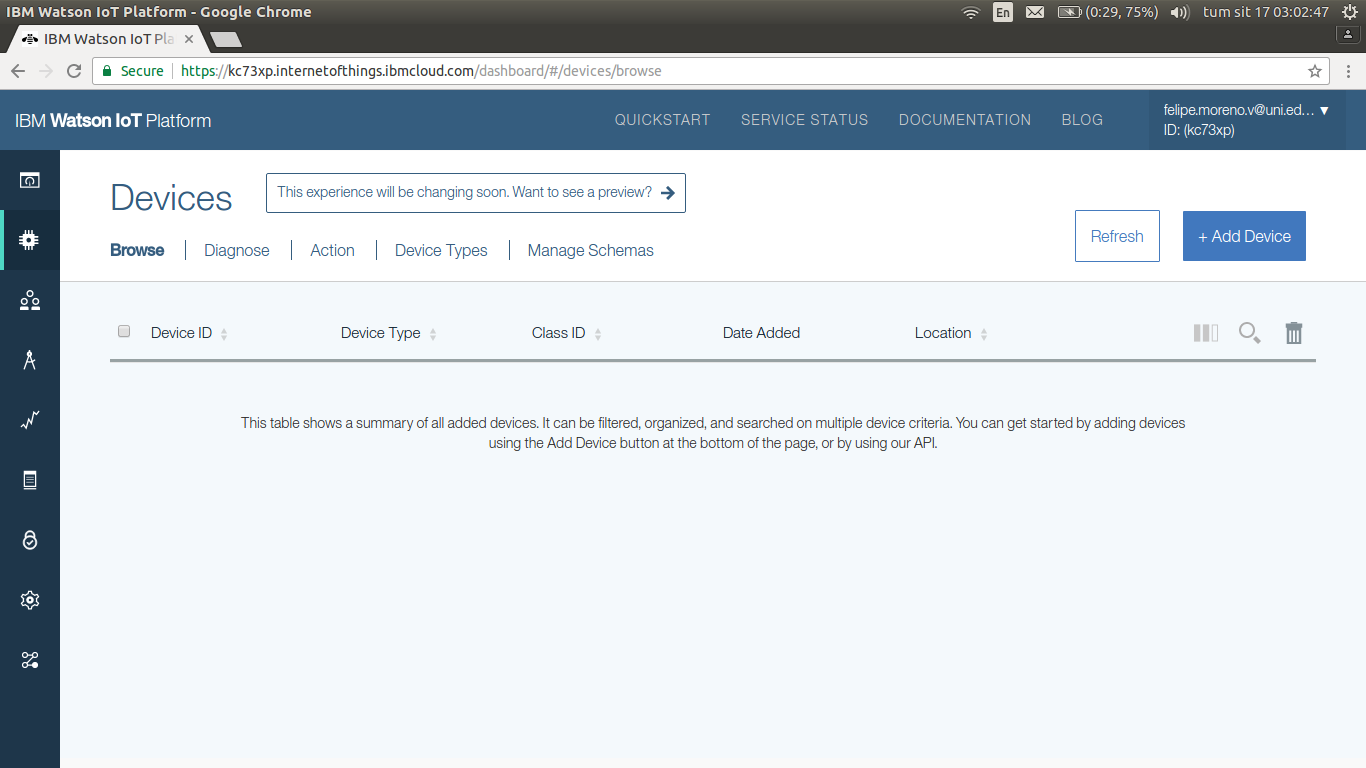
Click on +Add Device:
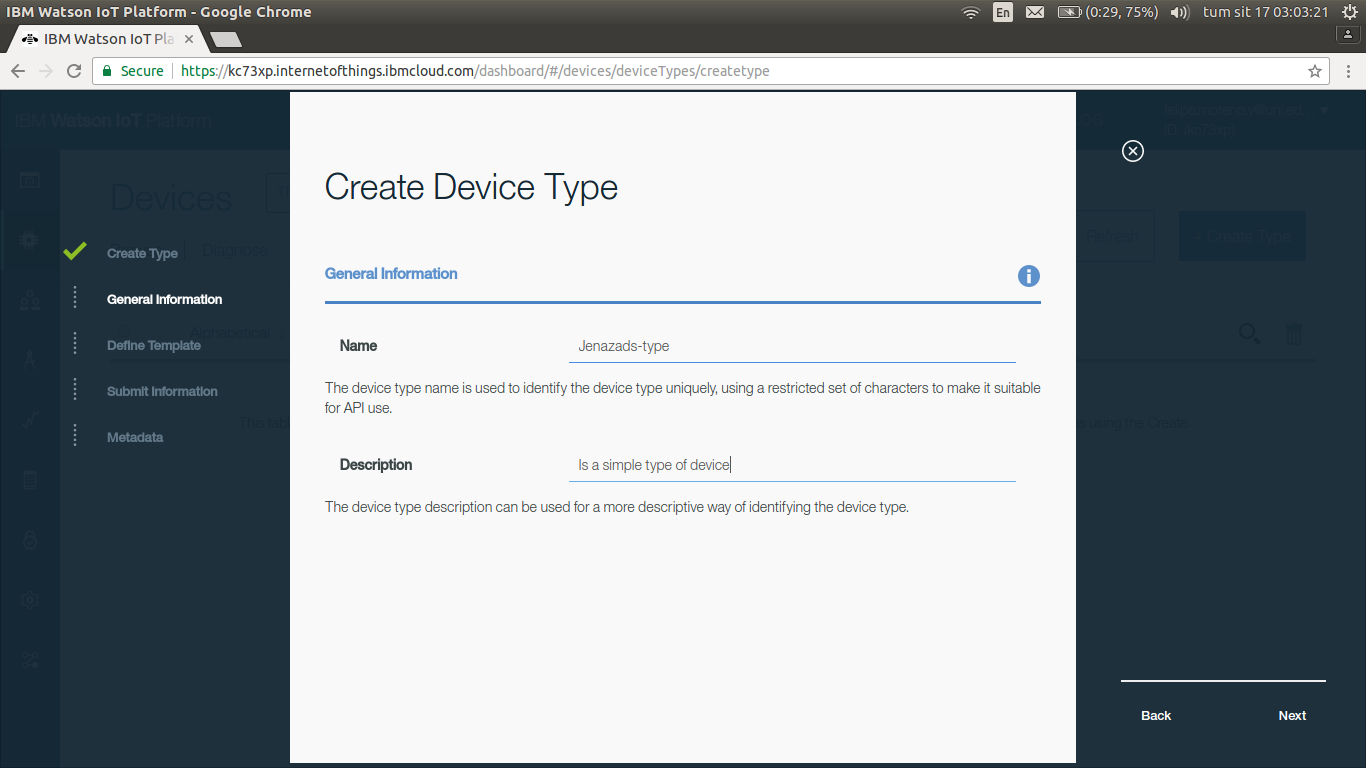
Select Manufacturer and model, and then finish.
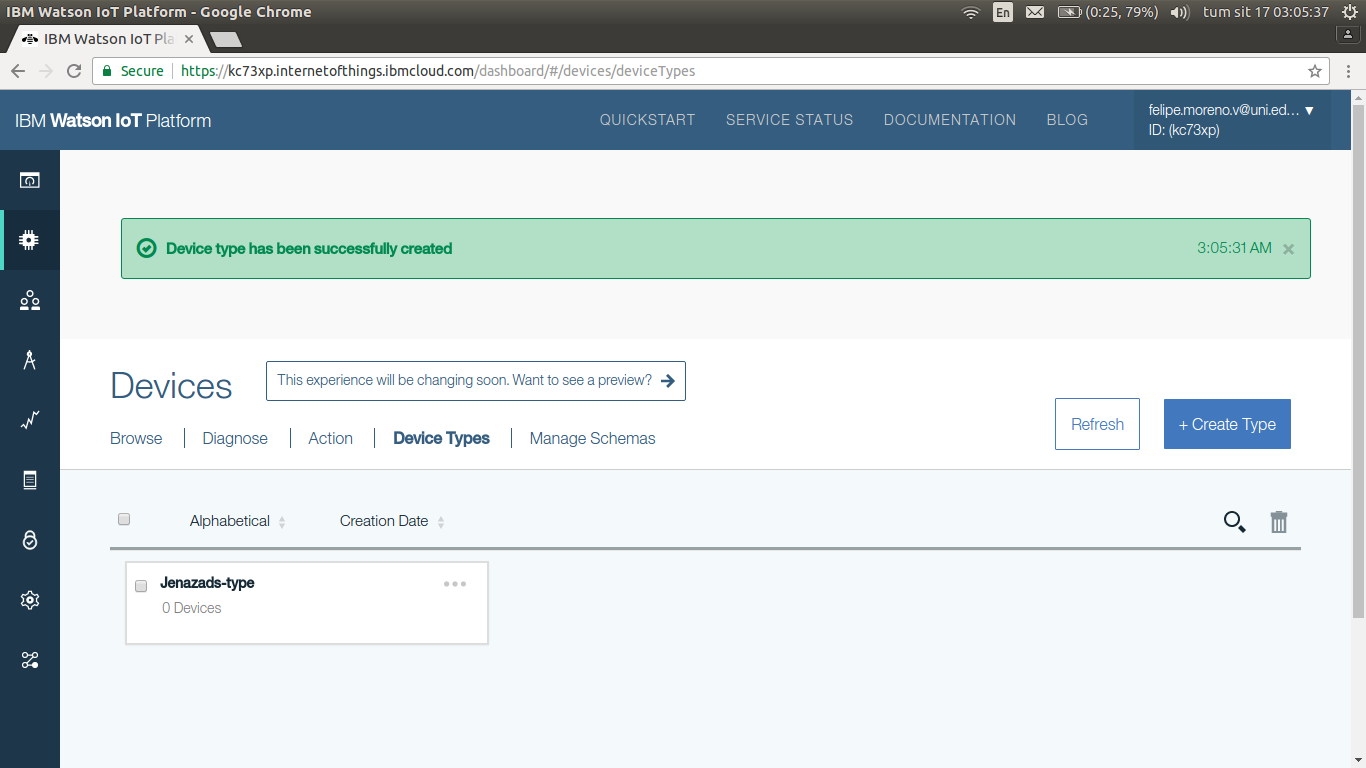
Next, create a Device with a device type created.
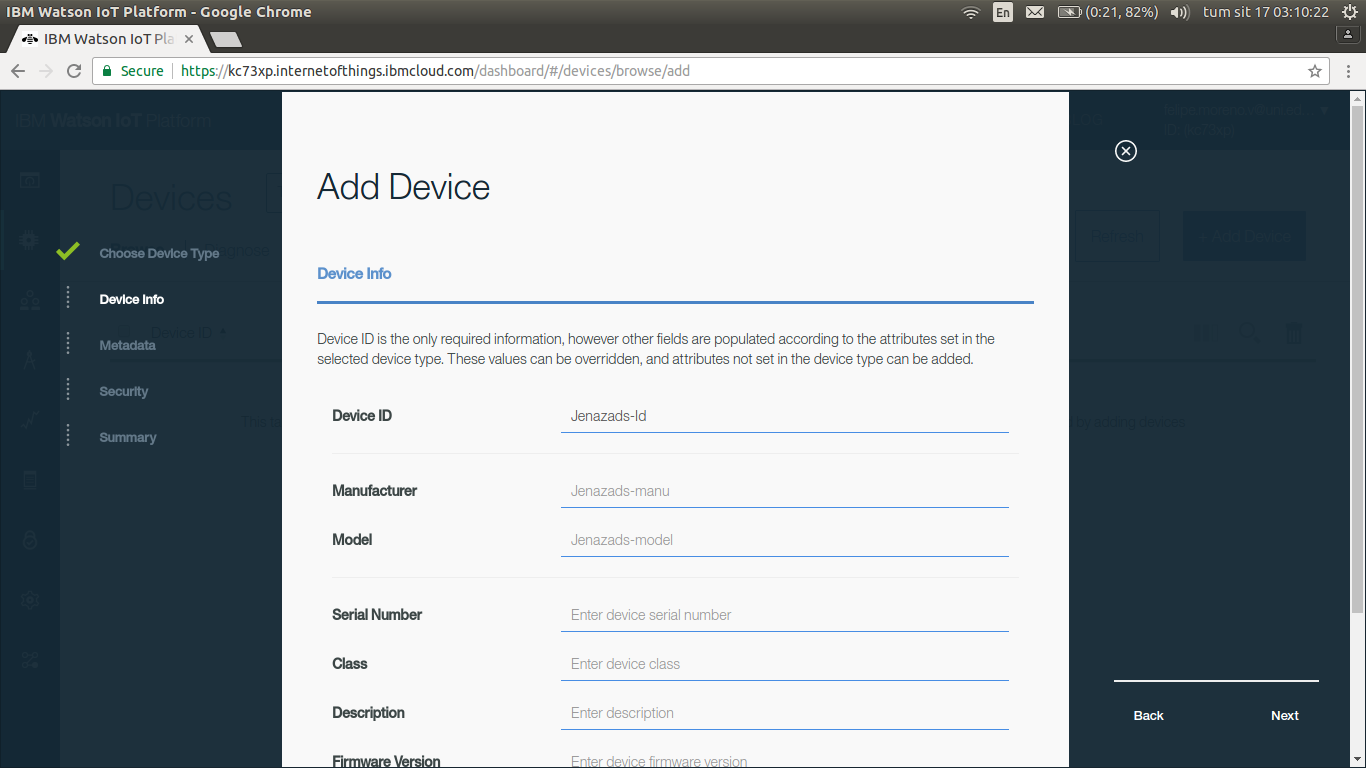
Add a token and finish.
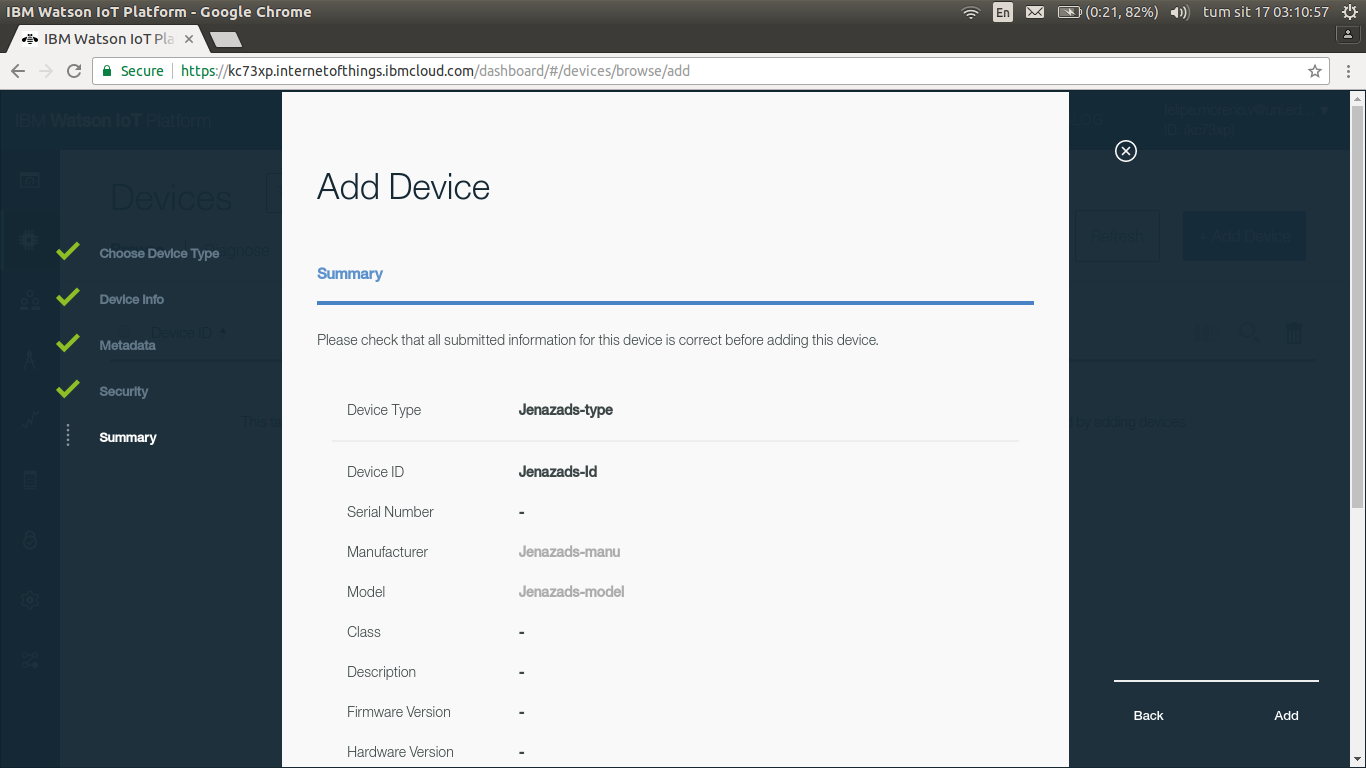
Then, you will have a summary of your new Device:
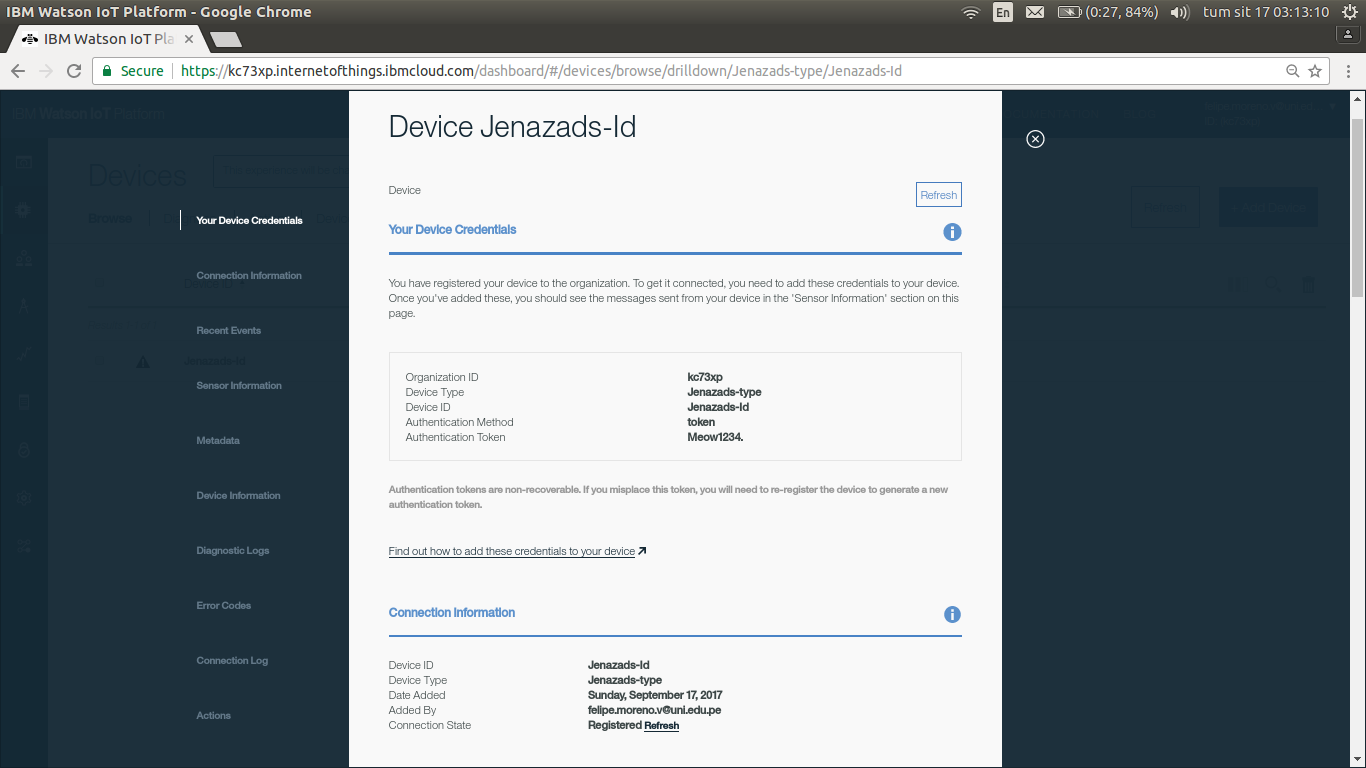
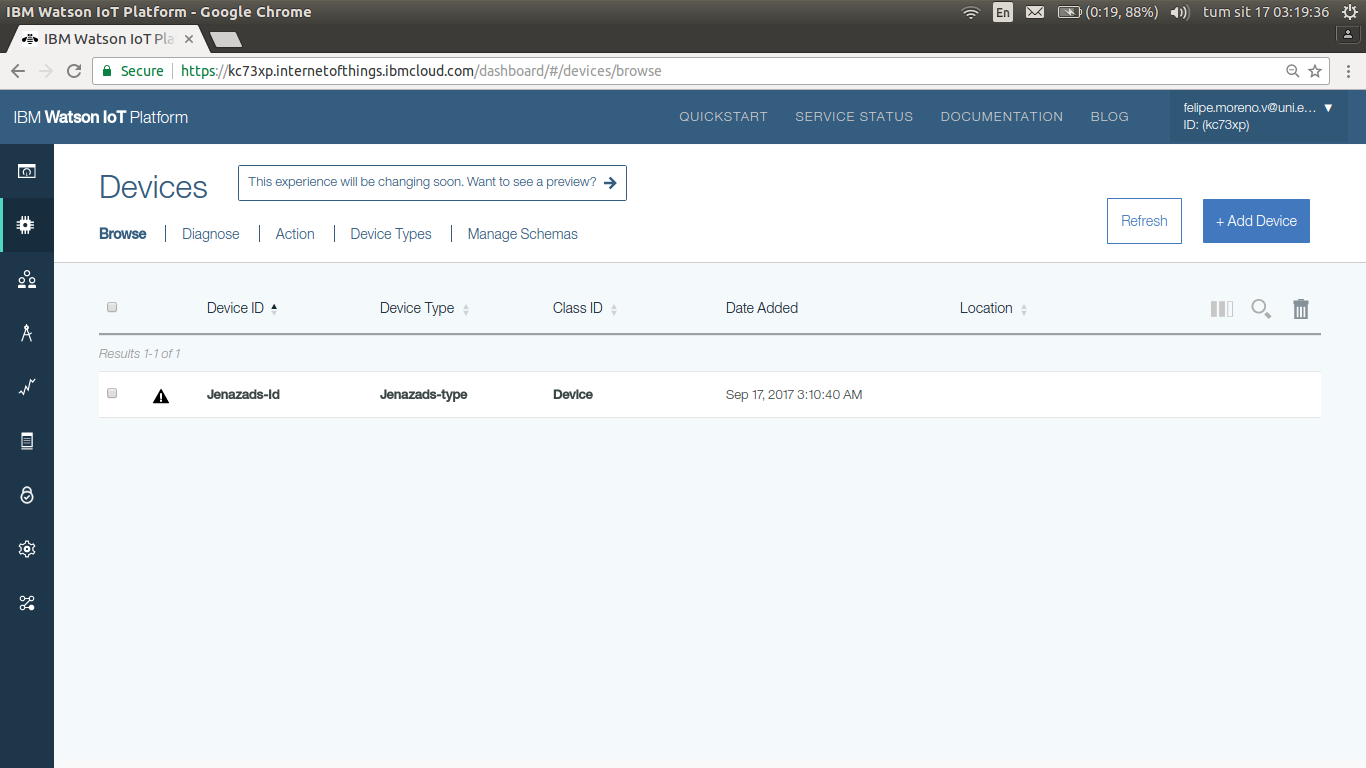
You can verify in Devices:
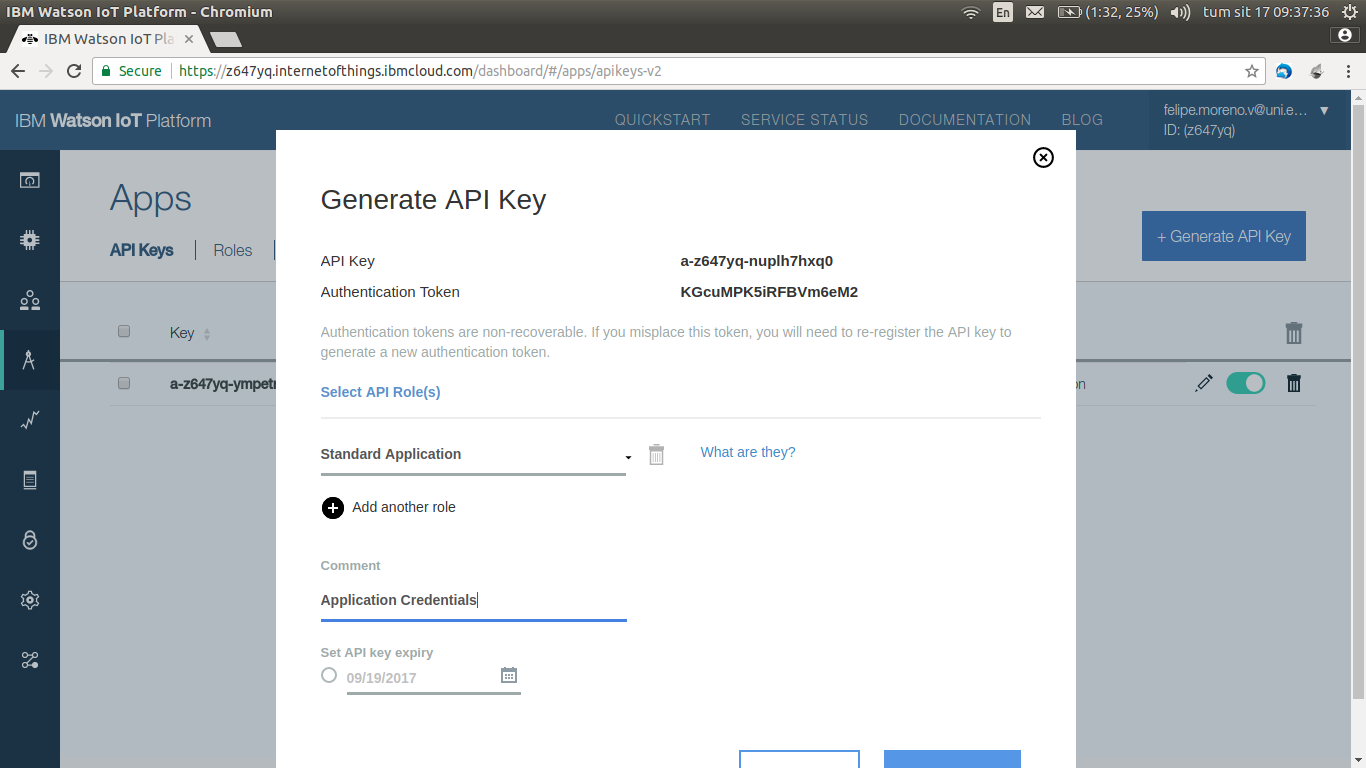
Second, generate API Key in APP tab, just press on Generate API Key:
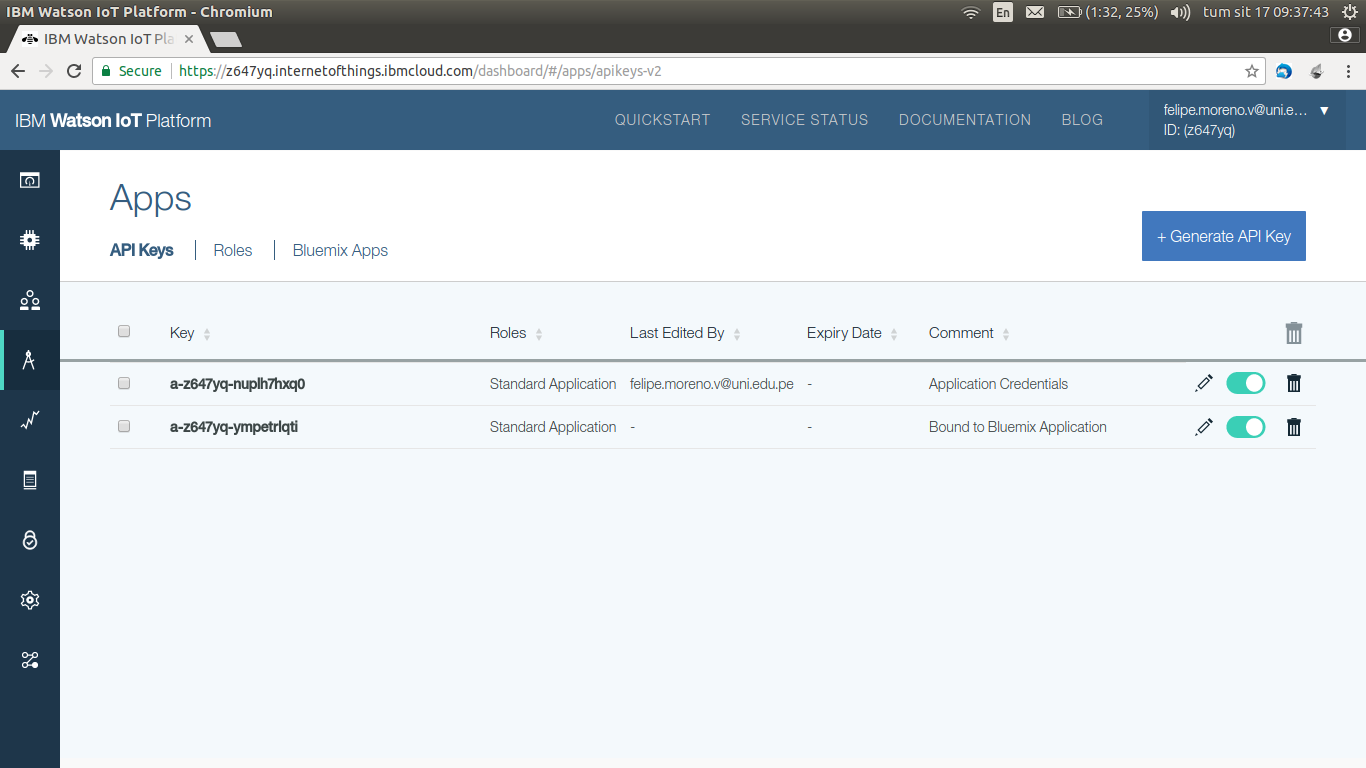
Verify then:
Once created, go to our IoT platform, in this case is Jenazads-ibm.mybluemix.net.
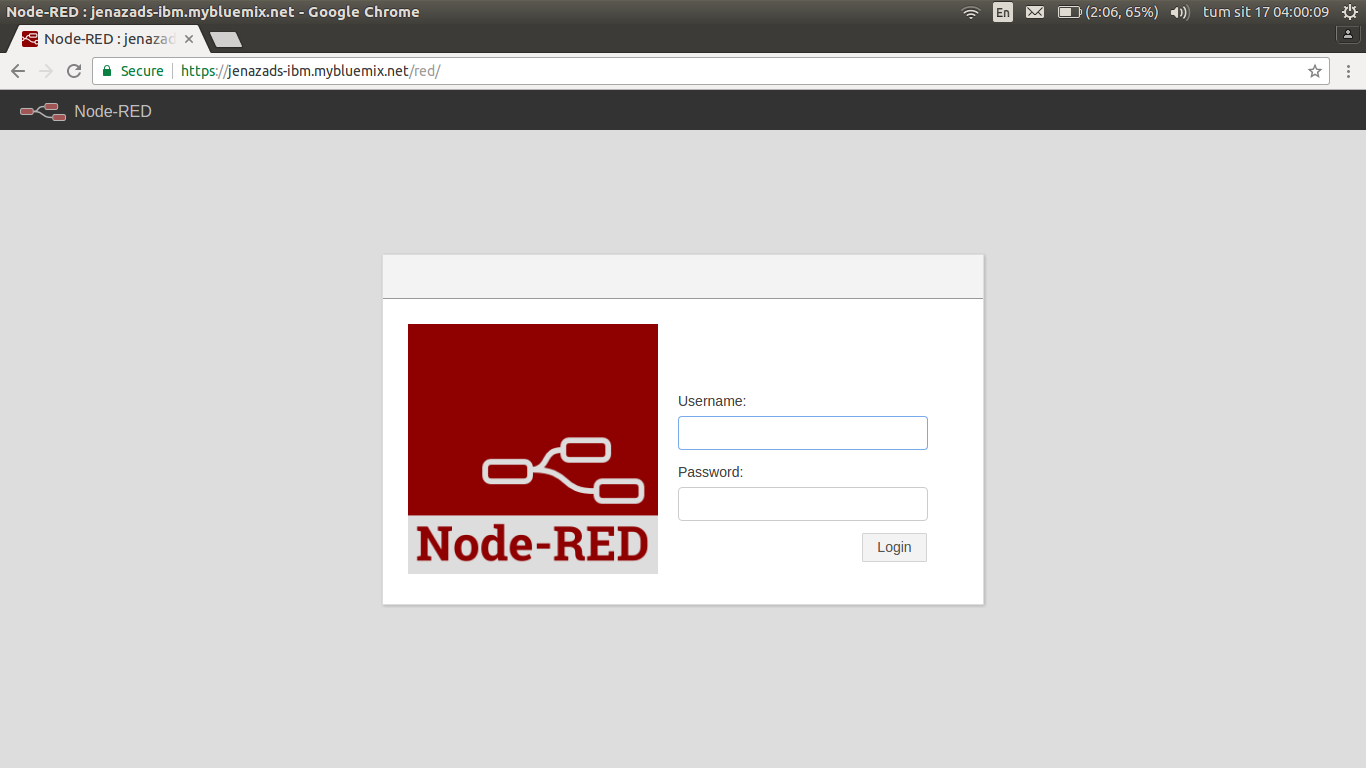
Make a security settings (create an username and password) and go to node-red.
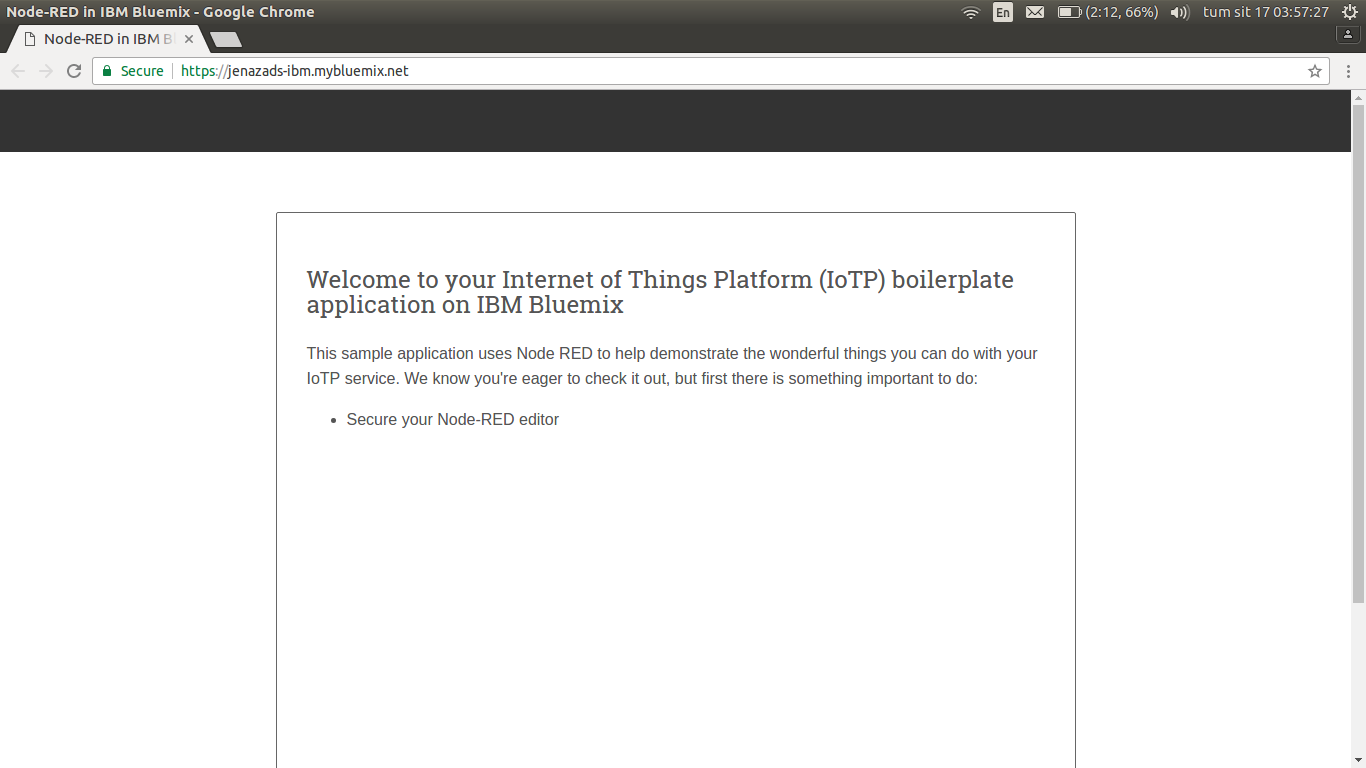
Go to the node-red page:
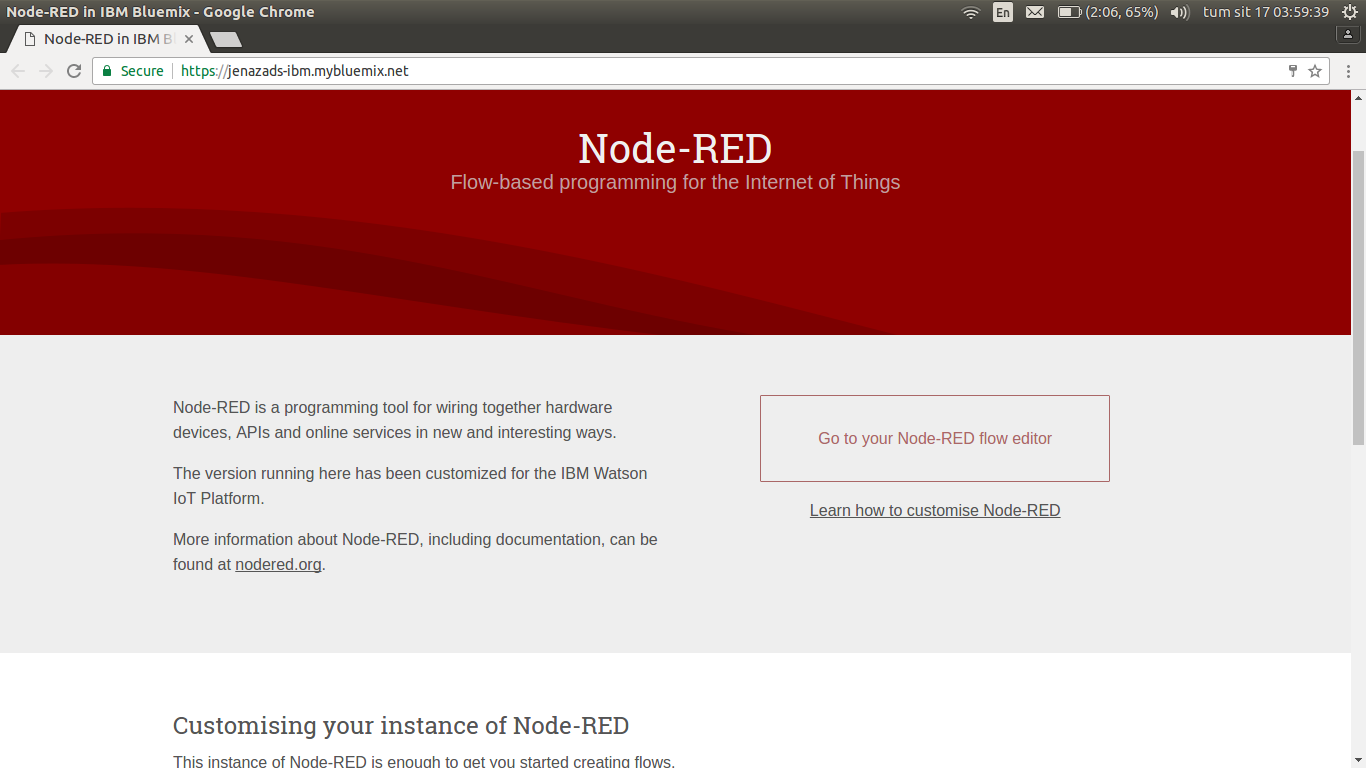
Authentificate …
And have fun :D
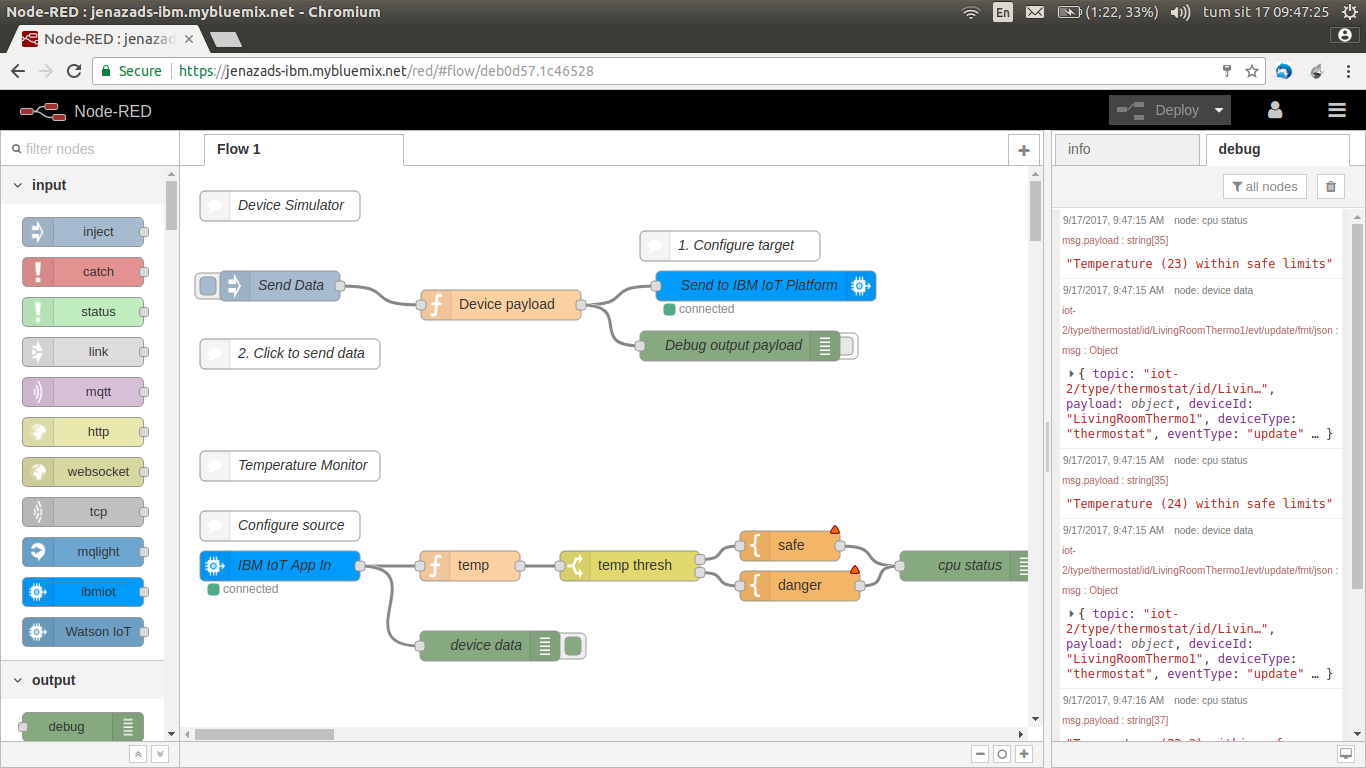
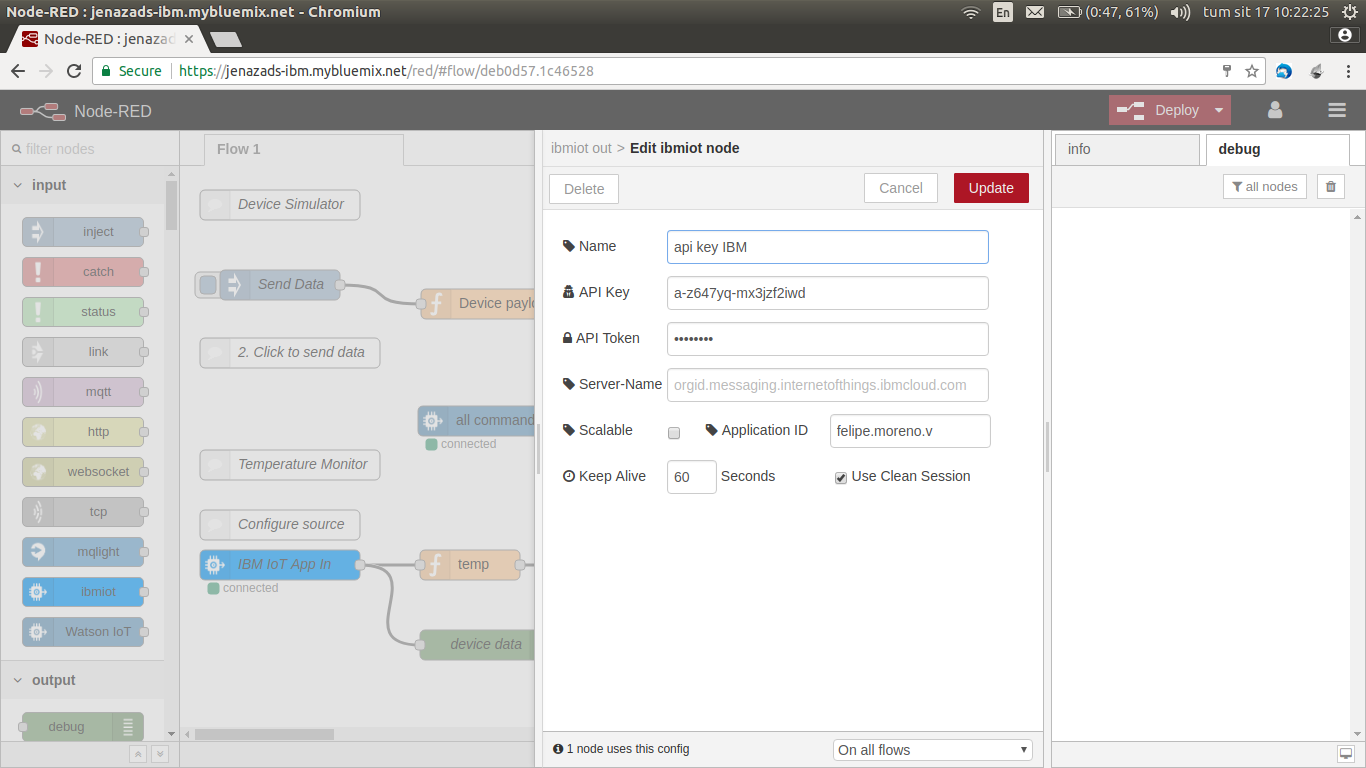
Example connection ibm-iot module
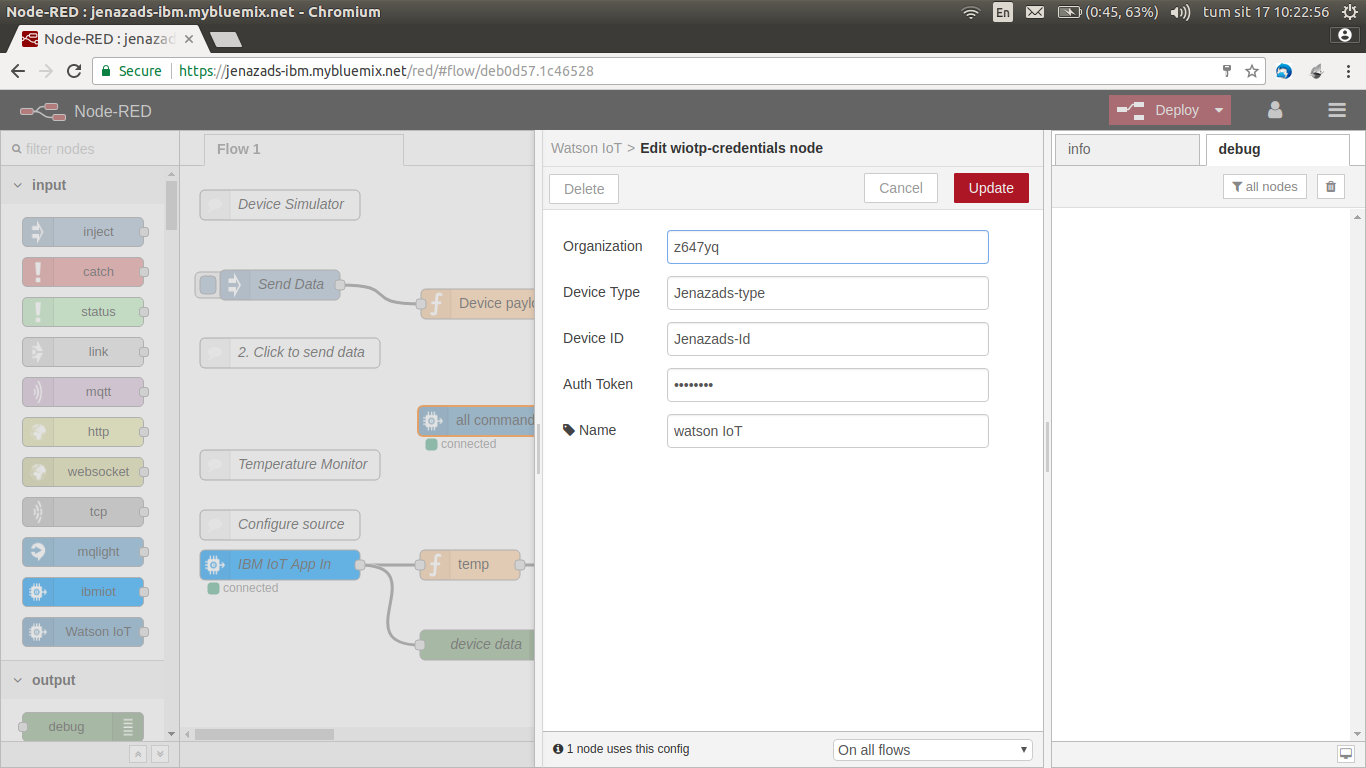
You need a basic information, an API key and API key token generate (if you don’t remember, you should generate a new API key).
Implementing Watson with NodeJS
Finally, we use Watson !!, First of all, download watson package to node-red:
sudo npm install -g node-red-contrib-ibm-watson-iot
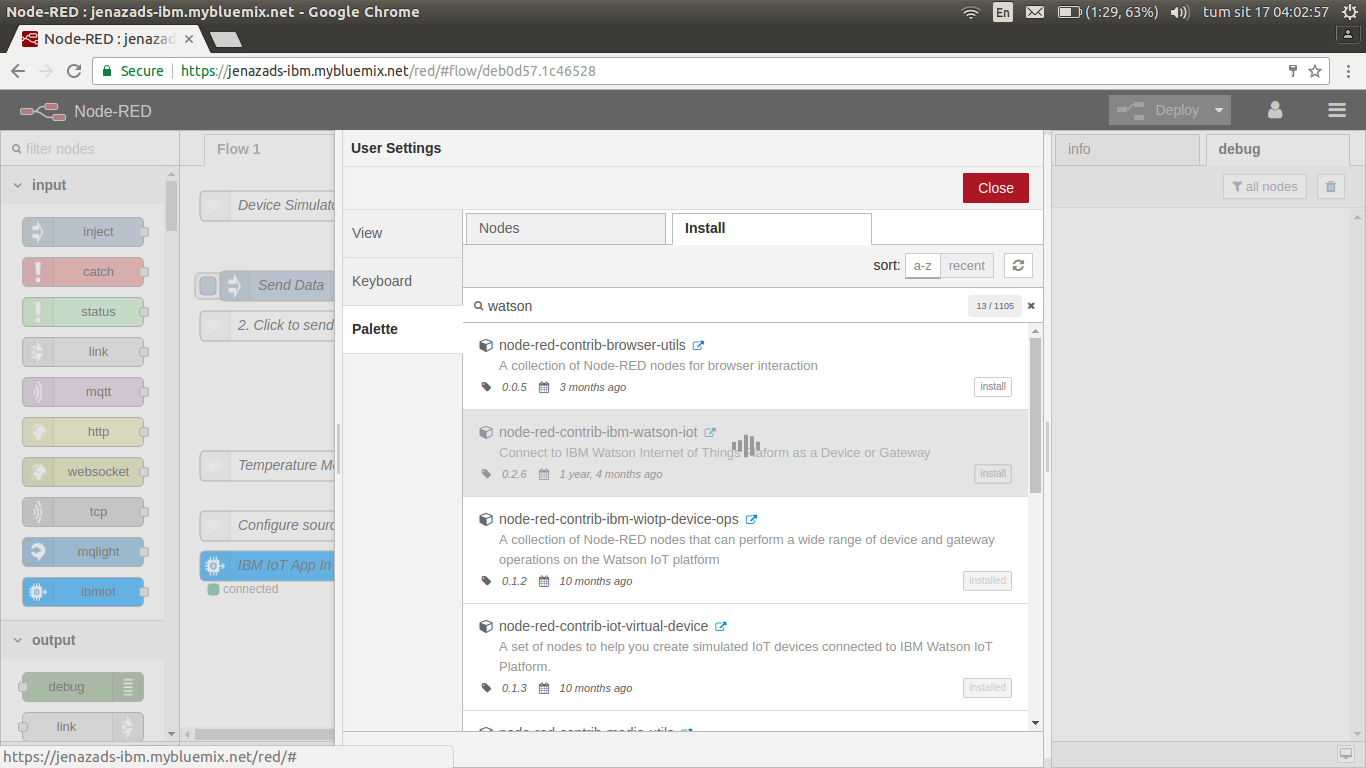
Or, through node-red tool, in right-side menu -> Manage palette -> Pallette -> Install -> search package and install.
Then, we try connection (your organization is your Watson IoT url):